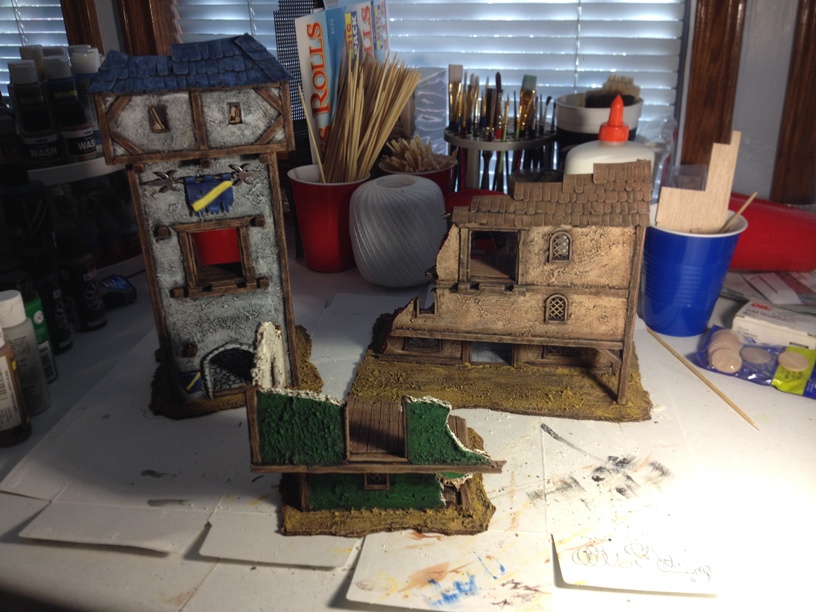
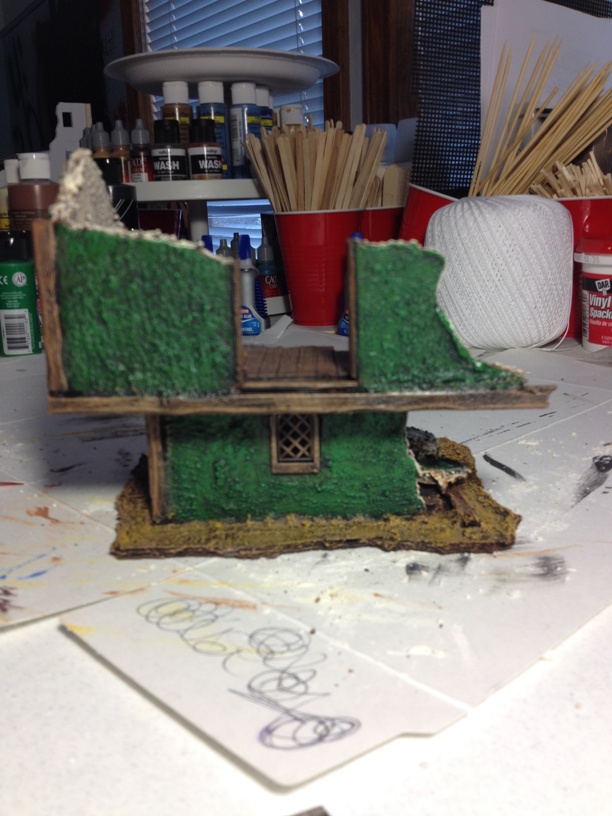
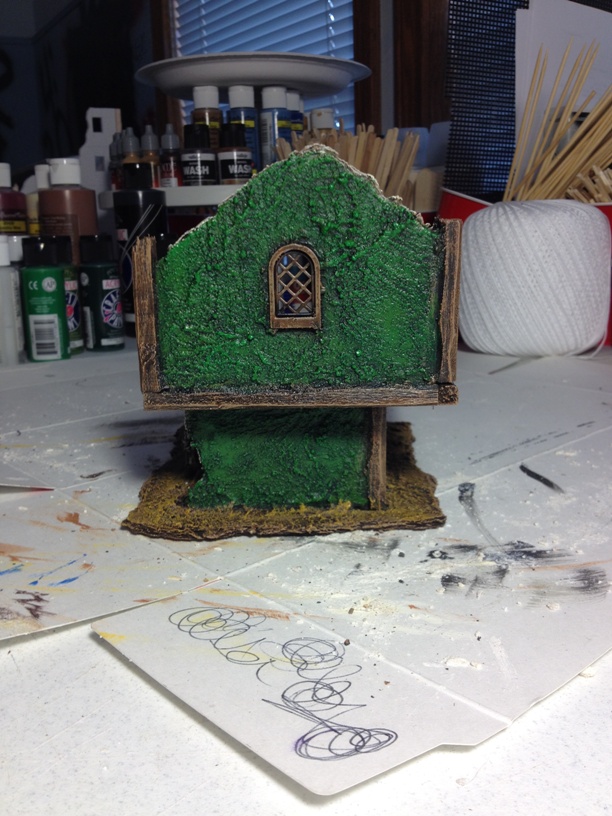
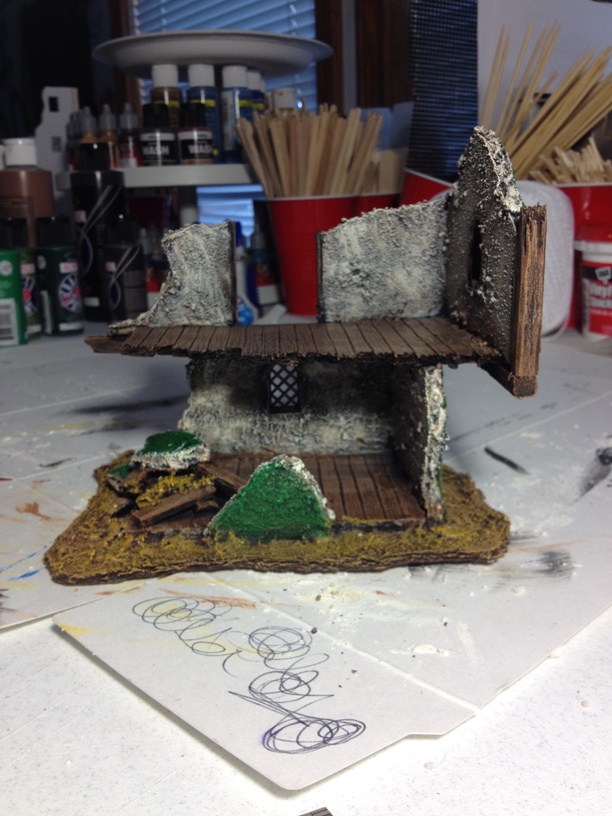
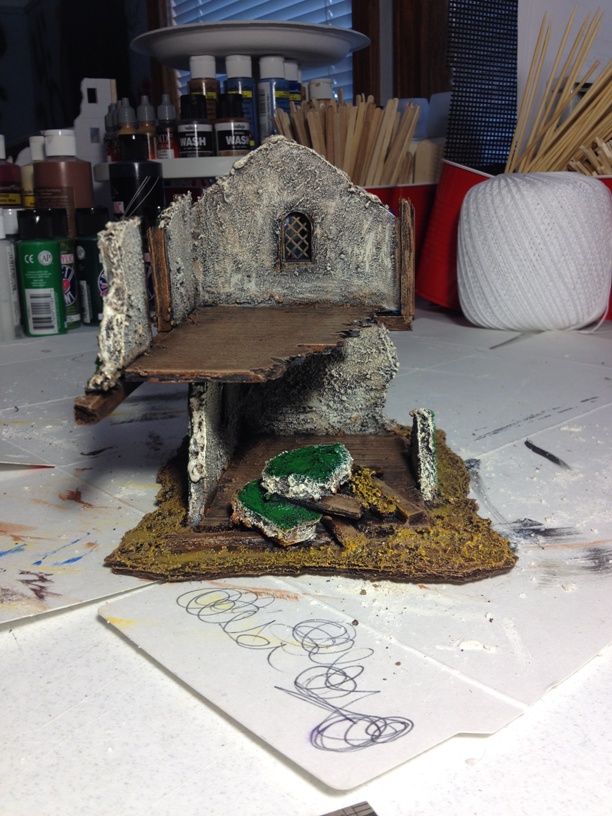
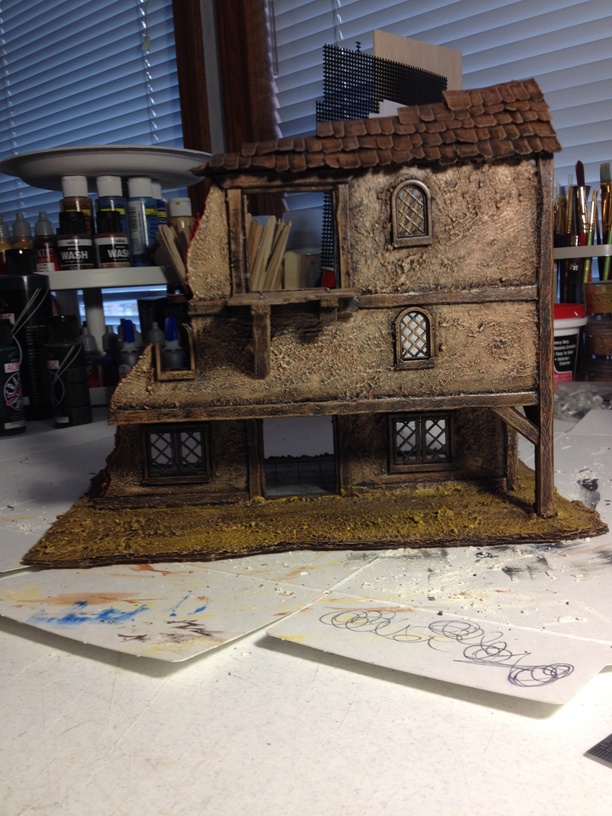
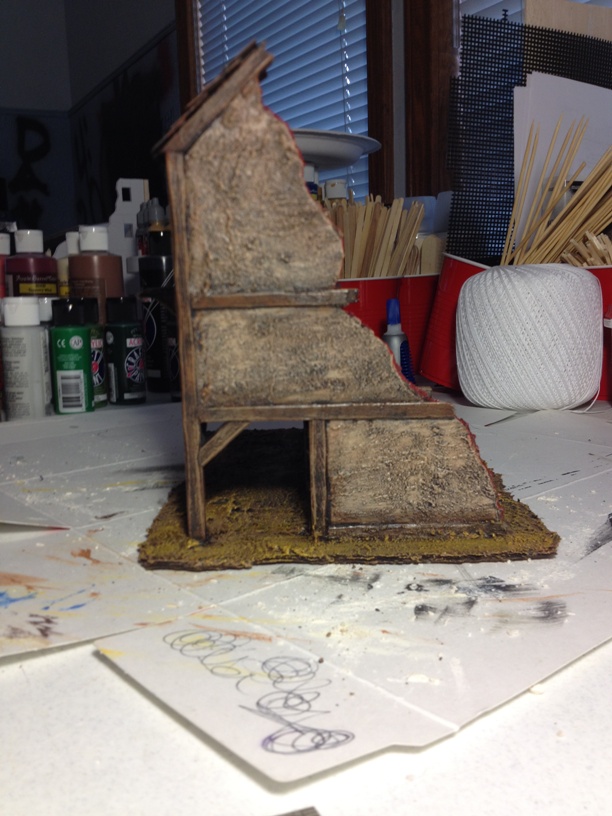
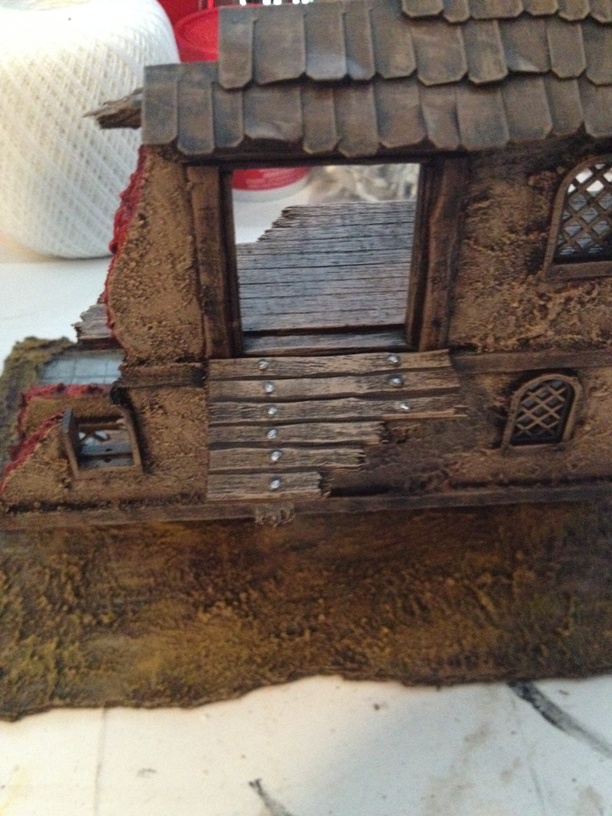
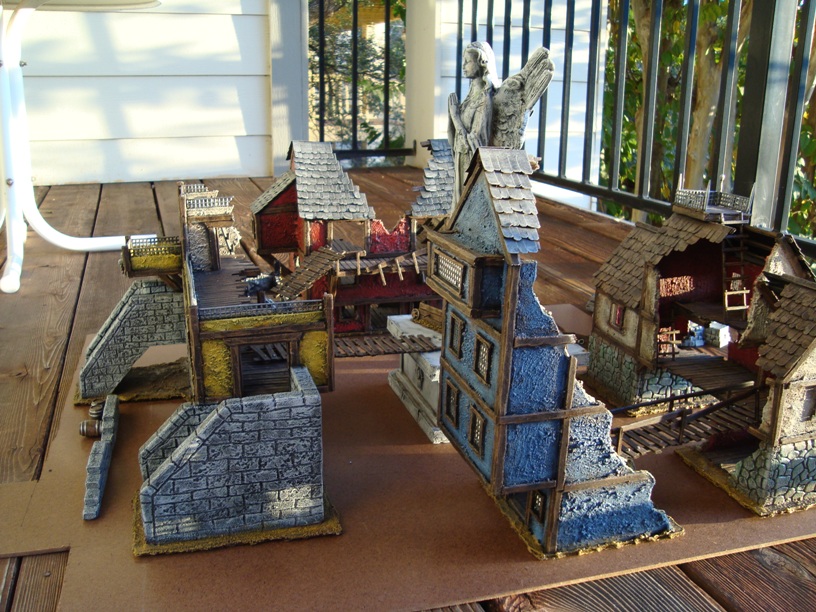
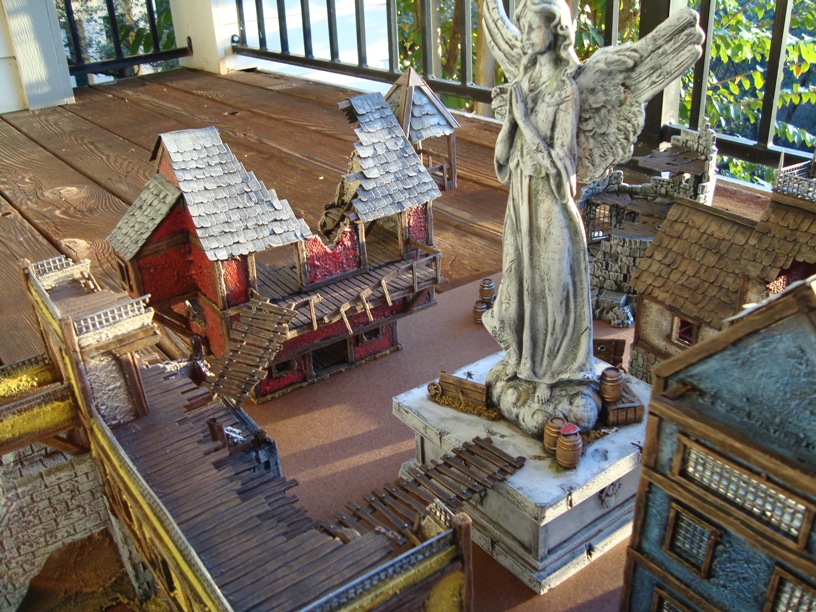
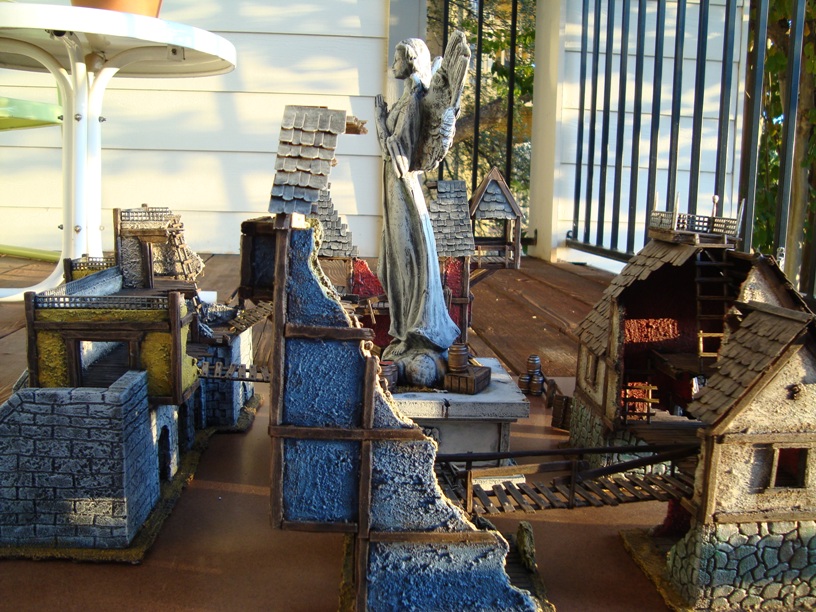
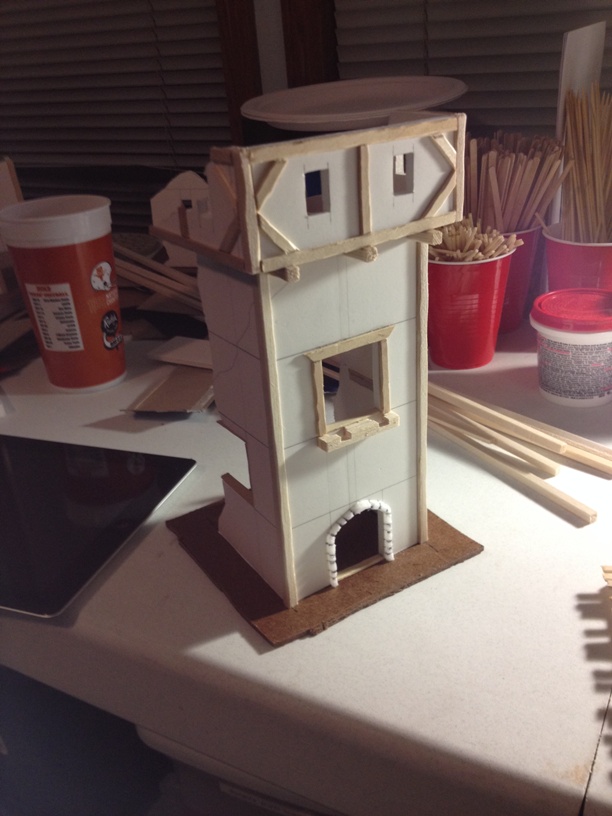
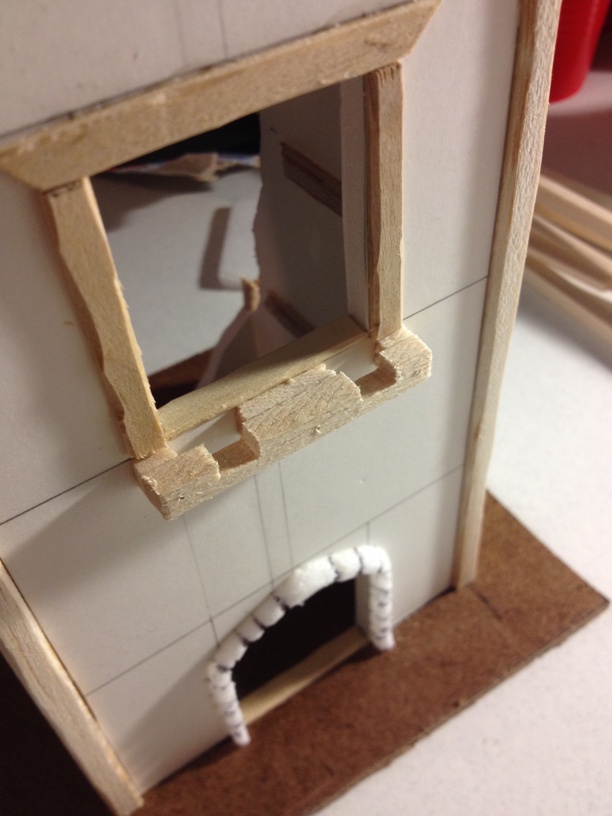
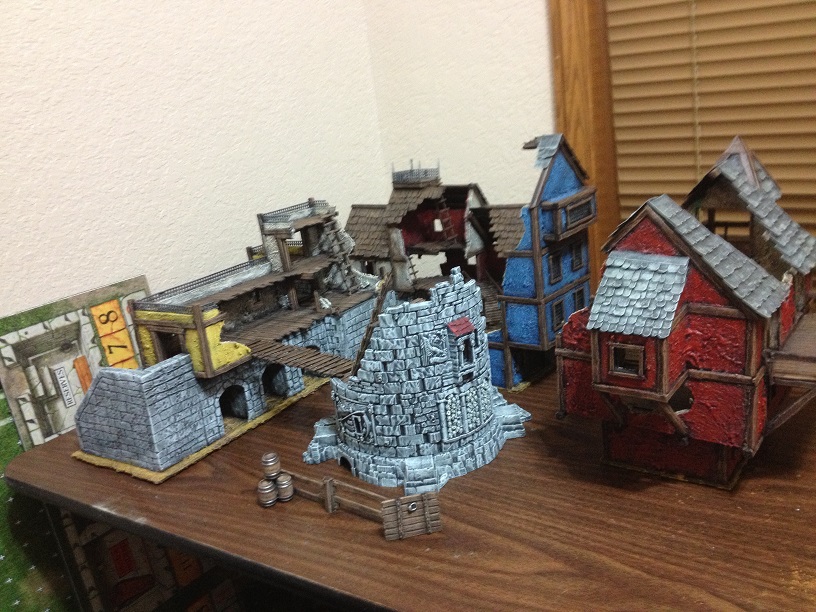
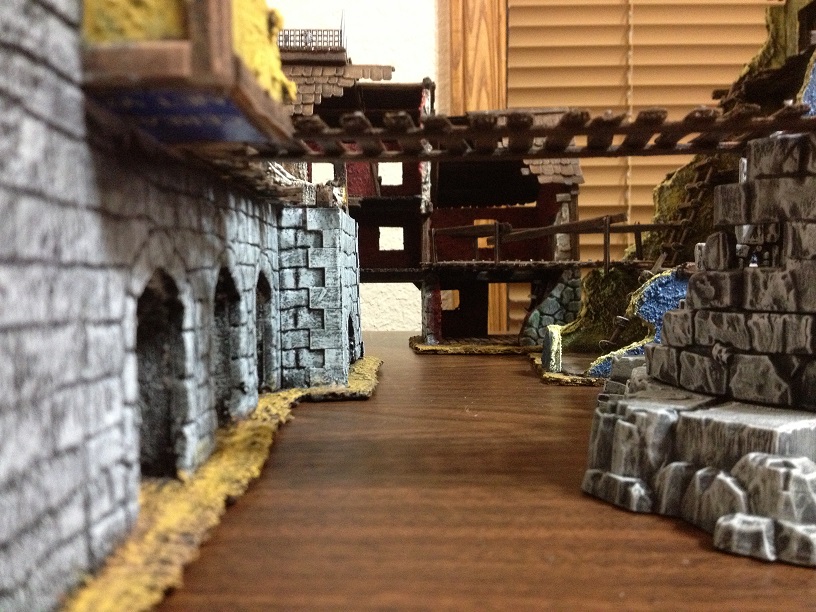
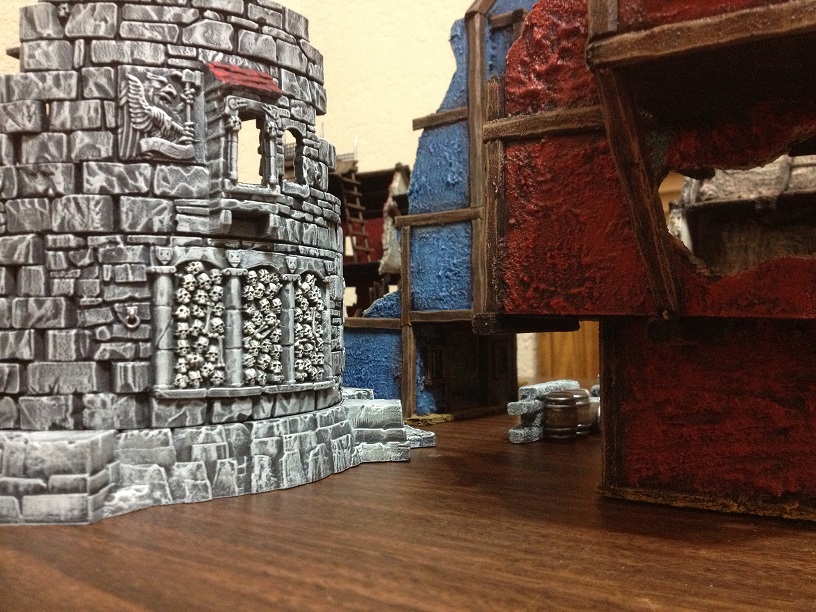
Mordheim Terrain Tutorial – Part Deux!

OK folks, I am back with my Mordheim Terrain Tutorial – Part Deux! If anyone missed Part 1, you can read it here. Since I am laid up in bed with massive neck pain, I figured I would use the time to write another installment in this tutorial… that and watch Big Bang Theory on blu-ray. 🙂

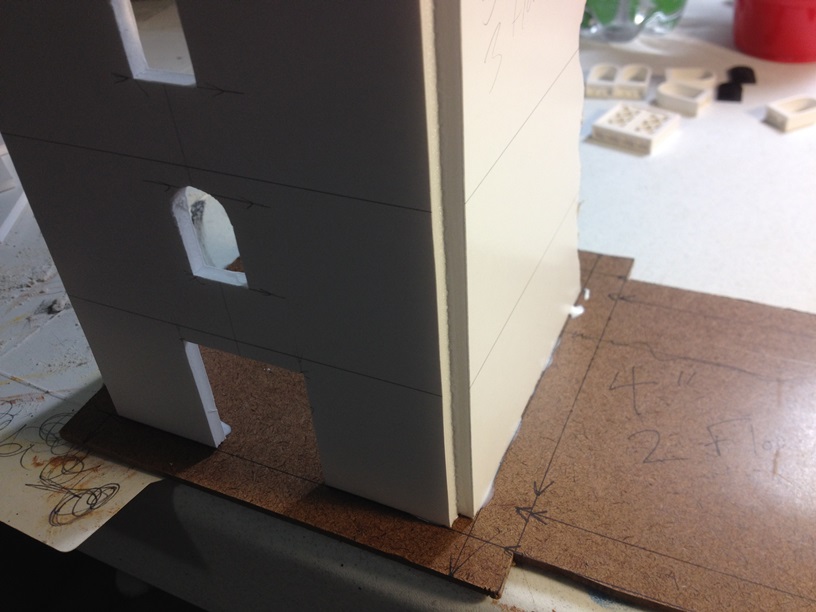
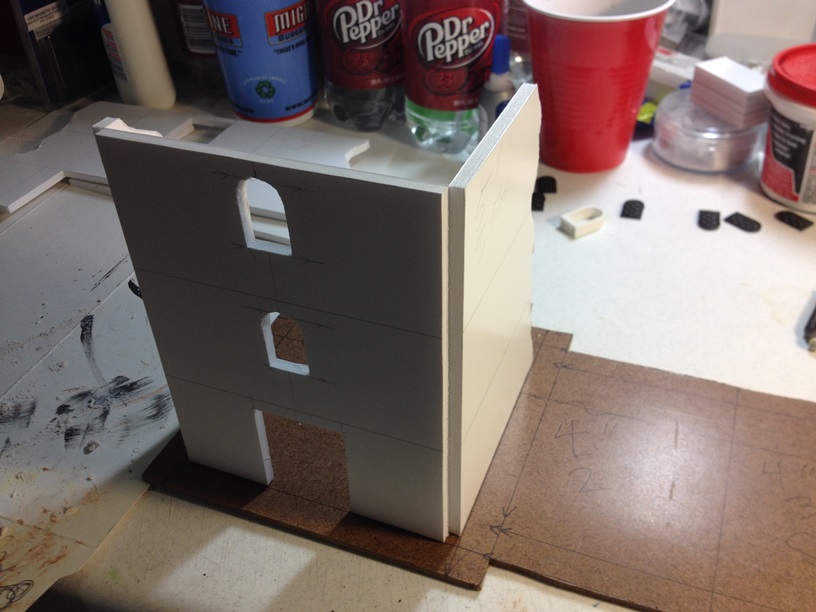
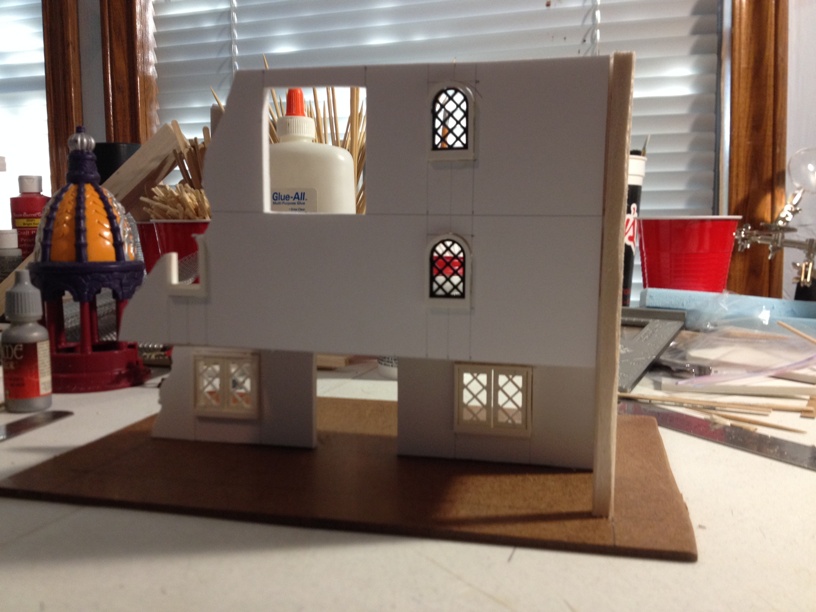
So, we ended Part 1 with gluing our wall sections together. Here is a shot for a reminder:

IMG_1661b

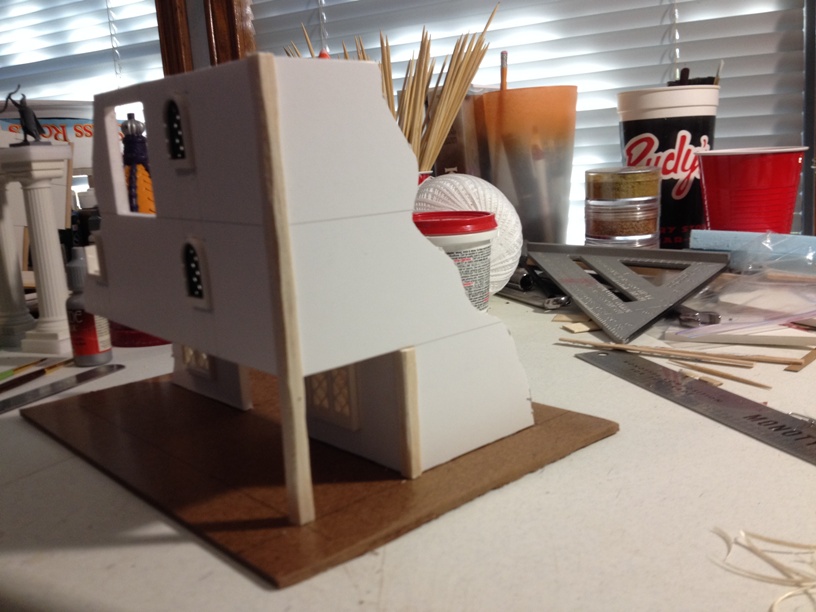
The  second and thrid floor of the section on the right overhangs the first floor, but since the wall piece on the left, which forms the right wall of the center piece, stretches to the ground, it can support the weight of the upper floors without first adding a floor under the overhang. If your piece overhangs all the way around, you will need to support the upper floors first. Also, we will not worry about any small gaps in the seems of our walls at this point. We will address those later with detailing pieces and texture before painting.

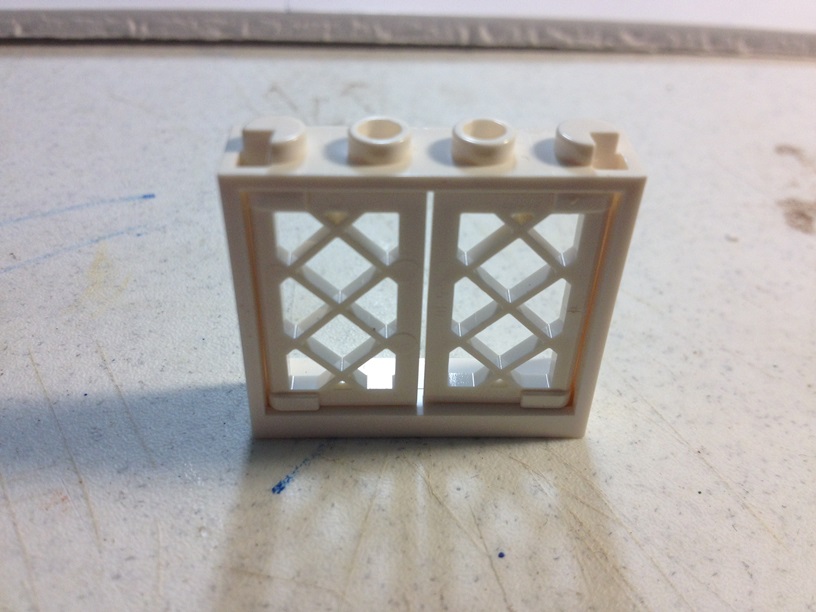
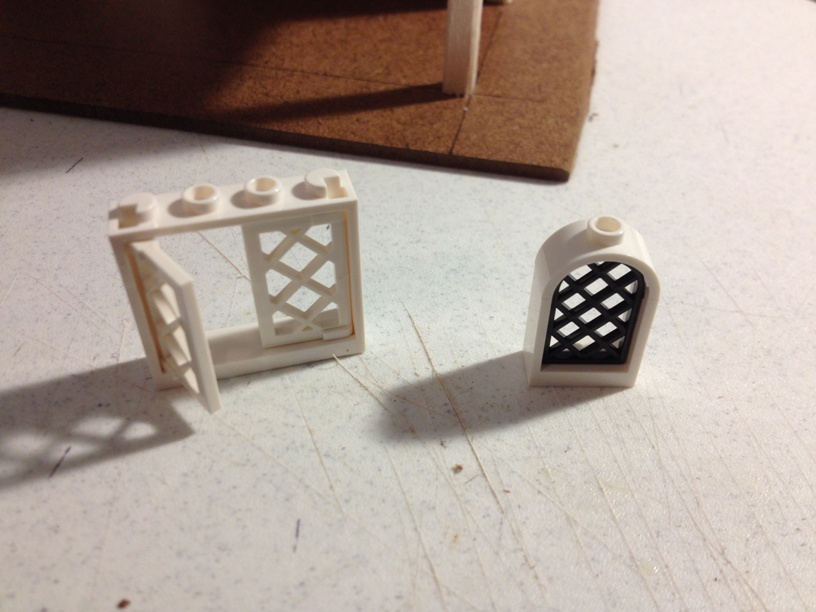
Now, at this point, lets go ahead and prepare to insert our Lego windows. When we first get our Lego pieces, they will look like this:

IMG_1648b

And this:

IMG_1649b

What we need to do in order to get the windows ready to add to our terrain, is remove the pieces on top that allow Legos to connect to each other. We can cut them off with a hobby knife, file them off, or do use my favorite method, fire up the dremel! A dremel, or any other rotary tool, with a sanding drum attached will make very short work of the connector pieces, but be careful not to remove too much. Unless we want to reate a really damaged look to our windows, we want to be sure not to change the shape of the window itself. When done, our windows should look like this:

IMG_1650b

Now our windows should just slide straight into the openings we already cut:
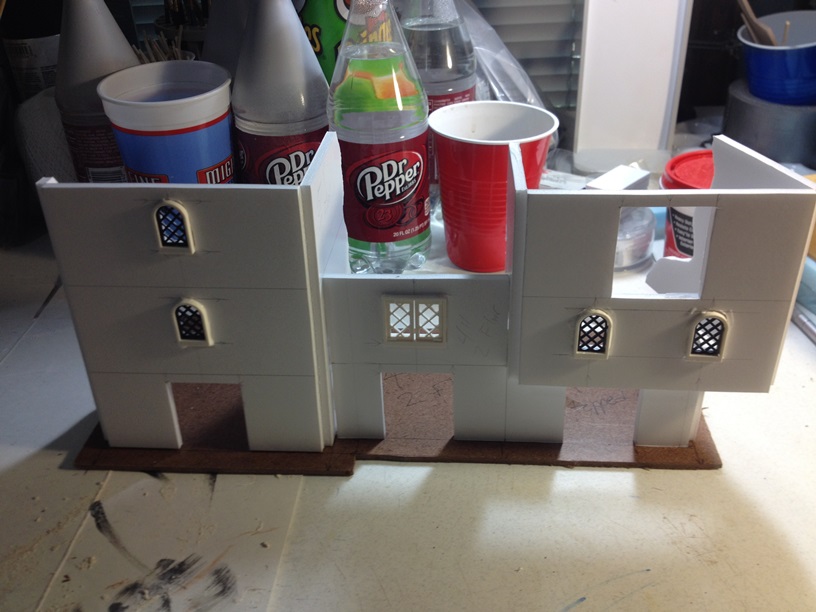
IMG_1662b

Add a little white glue and our windows are in for good.

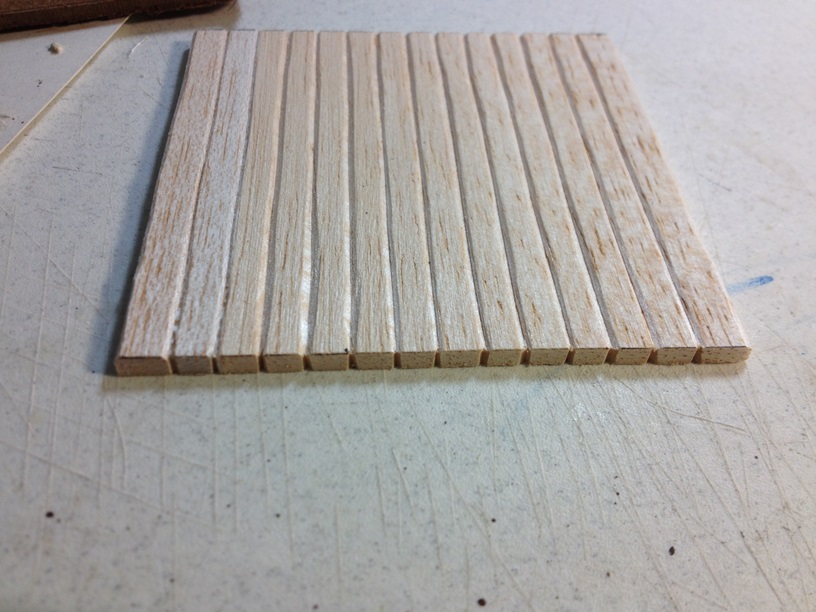
Now we can start adding floor sections to the buildings. Over the years, I have trried numerous methods of making wooden flooring for my buildings. I think the absolute BEST looking method I have found is using individually cut, shaped, and glued craft popsicle sticks about 1/4 inch wide. Unfortunately, that method takes for freaking EVER, so I gave it up a fw months ago.The method we are going to use for these buildings is MUCH faster, and while the results are not QUITE as nice, they still look good. We are going to use 1/8 inch thick sheet balsa wood. You can get it from most craft stores for a few dollars. We will start with the bttom floors as they will be full squares.

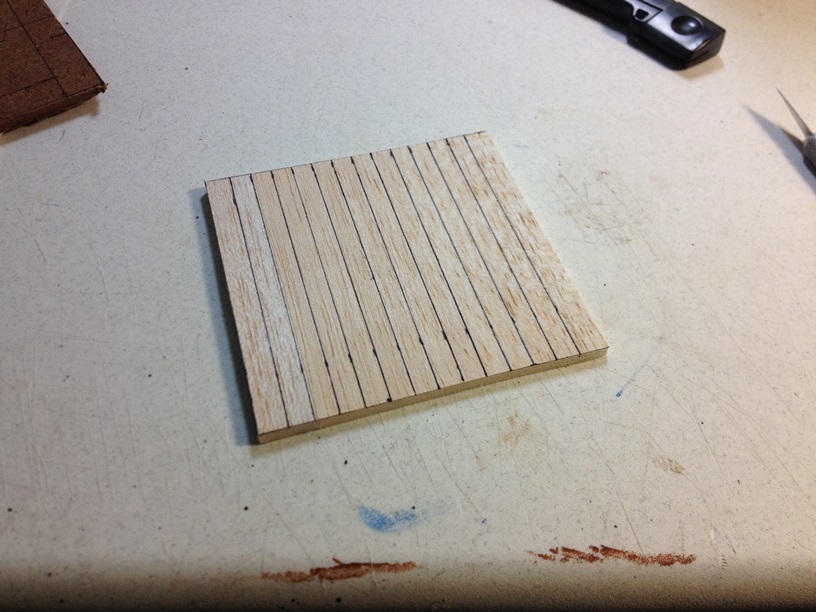
First, we have to measure our INSIDE dimensions for our floor sections. If we use the outside dimensions, our floors will be 3/8 inch to long and too wide. Once we have our measurements, we can cut out the sheet balsa with a hobby knife. Then we measure out 1/4 strips to serve as our “individual” boards, and draw them with a fine point marker:
IMG_1667b

Once our lines are drawn, we can do two things. We can simply go over the lines with a ball point pen, pressing harder each time to create indentions into the balsa, but I find that once you start to add paint, the balsa soaks it up and swells just slightly making the lines a little less defined. What I prefer to do, is take a hobby knife and make angled cuts from two directions to remove a “V” shaped section where my line was. This way, there is no wood left to swell back out, leaving our “individual” boards more defined.

In progress shots:

IMG_1663b

IMG_1668b

As can be seen in the above photo, any edge that is not concealed by a wall section, I also like to notch the piece on the end. This continues the illusion that each floor board is seperate. As the saying goes, the devil is in the details.

We can also go ahead and make the floor for the stepped sectioned of our right side building. This piece will keep our upper floors squared and support the weight of the rest of the building. We basically start the same way. measure out a nice square piece and cut our “individual” boards. Then, since the building is partially destroyed, we will go ahead and decide how much of our floor to break off to simulate building damage. I use the length of the wall sections to gauge the floor dimensions, and since we went ahead and measured a full square, we have some extra left over for any other section that have the same dimensions:

IMG_1671b

To add the floors to the terrain, we start by simply gluing down the bottom floor squares. Then we move on to the lower floor of the stepped section. All we need to do, is glue the edge of the floor piece where it is flush with the bottom of the wall, and everthing should line up perfect. With other upper floors, we will just use some balsa strips glued to the walls to support the floors themselves. Nice and easy peasy:
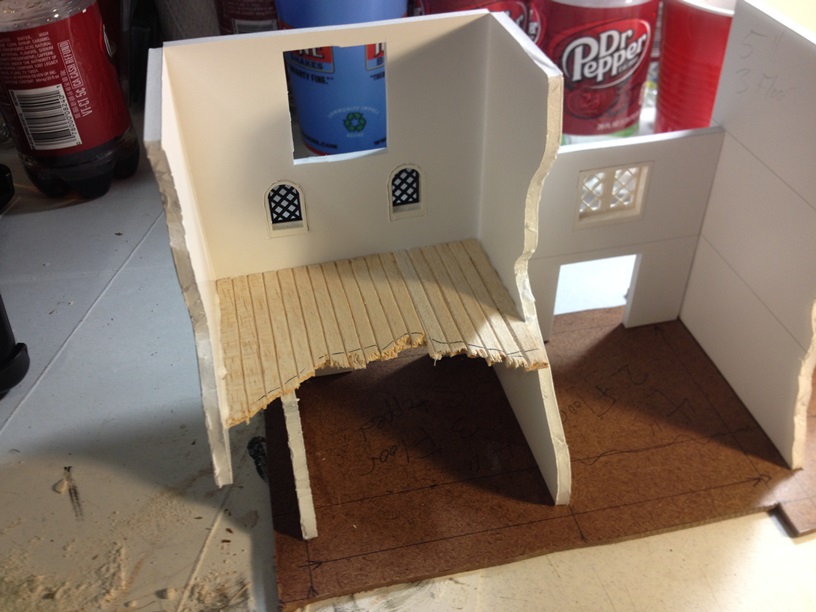
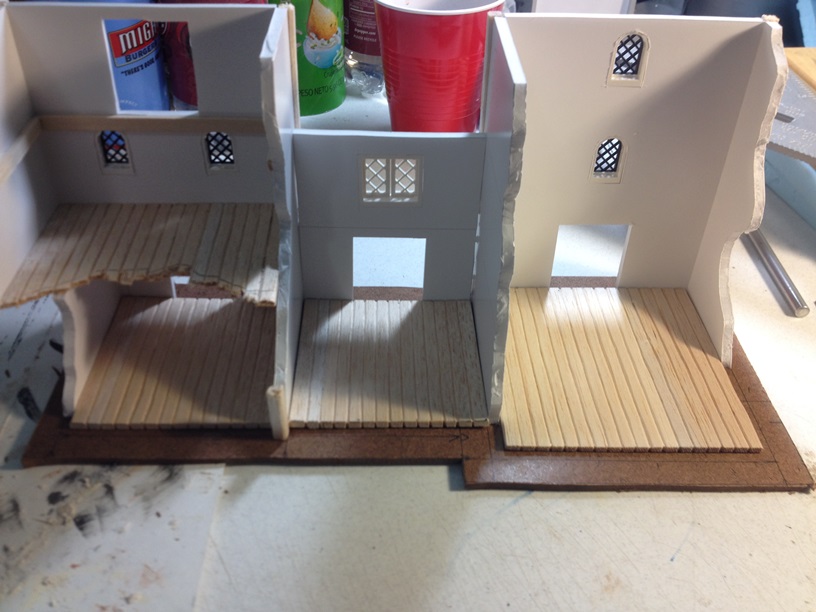
IMG_1664b

IMG_1669b

IMG_1670b

IMG_1672b

Now it is time to add our corner beams. Because we only partially cut through our foamcore walls, and folded them around, we obviously have a gap where our corners folded away from each other. 1/4 inch square balsa strips fit PERFECTLY into those gaps. First we cut them to length with a hobby knife. At this point, our balsa strips are the right length, but they are a little too perfectly square for the period we are trying to capture. We really want a more “rough hewn” look here, so what we are going to do, is we are going to take our hobby knife and slightly shave off three side. The fourth side will be left sqaure because it will be hidden within the wall gap. Leaving the third side square also increases surface area for gluing. Once shaped, our corner pieces should look something like this:

IMG_1665b

This paints up REALLY well.

When our corner braces are cut and shaped, we simply need to glue them into place. That leaves us with this:

IMG_1673b

On to the next piece!

Since our roof will not be flat, we need to make some angled wall sections to hold the roof up. Now, you CAN do this when originally drawing out the wall sections, but I seem to ALWAYS forget to do that, so we are adding them now. Do not judge me… 🙂

This is pretty easy, we can just use a piece of cutoff laying around to lay the angled pieces out. We can just use the normal floor height of two inches, measure out half of length of the wall section, and draw a diagonal line across to establish our roof angle. Like this:
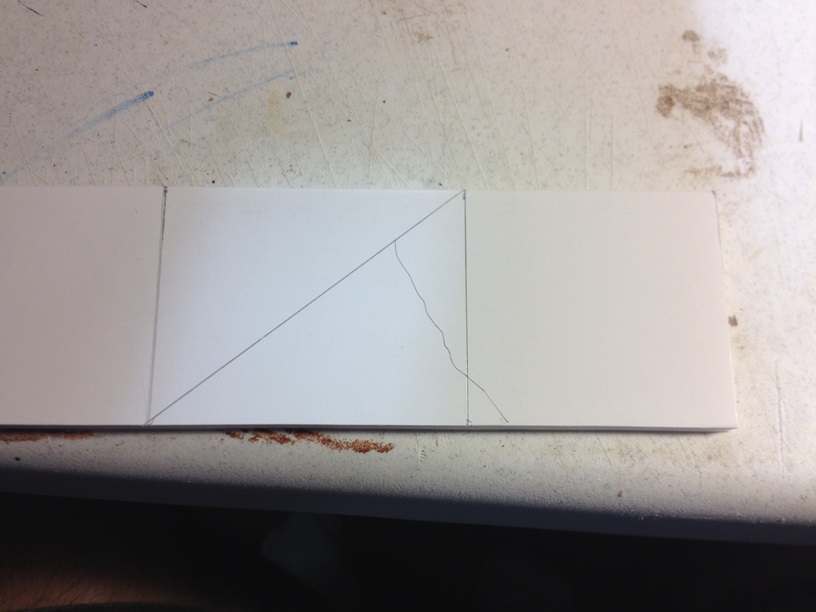
IMG_1675b

We just draw a jgged line, as shown to simulate our building damage, and cut the piece out with a hobby knife:
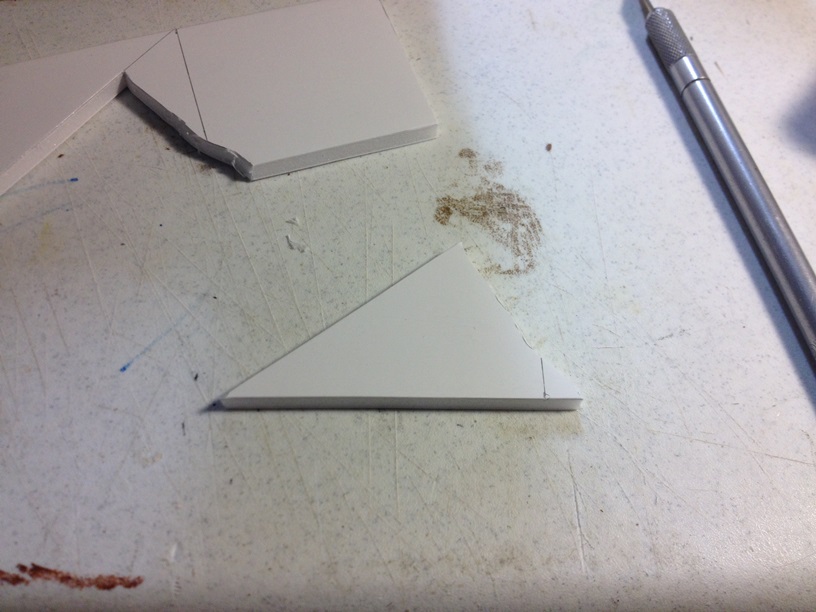
IMG_1676b

Rinse and repeat for the two end building wall sections that will support roof pieces. For the building in the center, we will just use balsa strips to support the roof sections. Glue them in place, and BING!
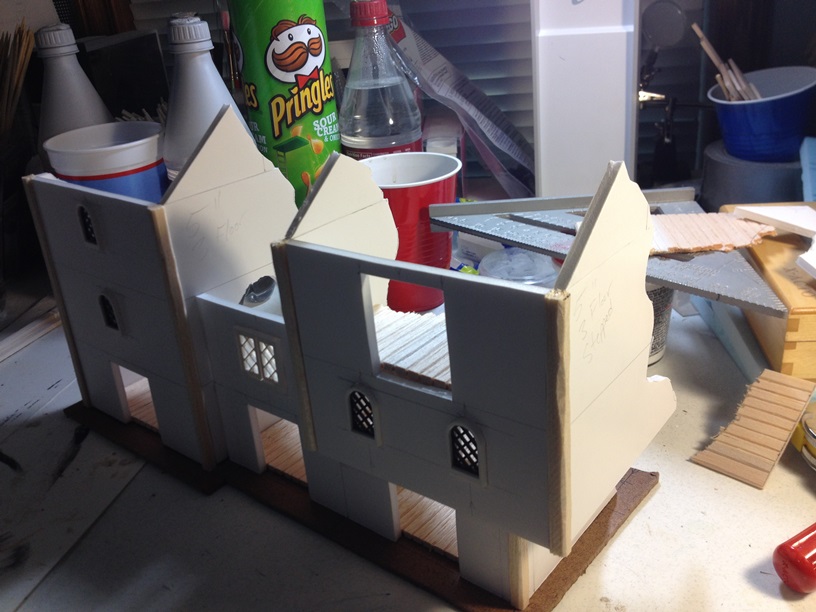
IMG_1677b

Do not worry about the slight seems created by gluing on the top pieces. We will cover those with detailing and texturing later.

Now come the funnest, and most time cunsuming part of the project. DETAILING! For me, there is one simple rule to detailing. There really is no such thing as too much. Seriously.

We will start with craft popsicle sticks:

IMG_1678b

We use these to give the buildings a real “Tudor” style look. We can add them all over the place. The more the better. Again, we want a real rough hewn look, so we will shave down the edges of the sticks with a hobby knife after we have measured, and cut them to length. Then it is just a matter of gluing them everywhere:

IMG_1679b

Since I have a LOT more detailing to do still, we will end this part of the tutorial here. I hope to have detailing and texturing done by the weekend. If so, then I will also post the next part of the tutorial.

Again, feel free to let me know what you think of my tutorial in the comments.

Thanks

Mordheim Terrain Tutorial – Part 1

So, a while back, someone asked me to do a terrain tutorial. I have never done a tutorial of any kind before, so this will be a little bit of an experiment for me. I will try to explain each piece as best I can, but if I manage to skip anything, or if there is anything anyone does not understand, just post a comment, and I will explain further. One of the things that I love about wargaming terrain, is that there is really no one right way to do anything. There are almost as many ways of making terrain, and styles as there are people who make terrain. What I am about to show you is not the only way to make terrain, by any stretch. It is just how I do it. I also learn something new with almost every terrain piece, so the way I show you to make terrain in this tutorial may not be the way I make terrain a year from now. Whow knows… Well,on that note, on with the tutorial.

The first thing you need to build terrain is tools and materials. This is, by now means, an exhaustive list, it is just what I use most often.

Tools:

Hobby Knife

Various Pliers

Razor Saw

Rulers/Straight Edge (multiple recommended)

Rotary Tool (recommended)

Pin Vice (recommended)

Jigsaw (recommended for basing)

Supplies:

Foamcore

Balsa Strips (Various Sizes)

1/8 Inch Sheet Balsa

Craft Matchsticks

Craft Popsicle Sticks

White Glue

Lego Windows (recommended)

Stucco Patch

Cheap Acrylic Paints

Cereal Box Cardboard

1/8 Inch Hardboard/Fiberboard (for basing)

Imagination

Building a piece of terrain always starts with an idea. My ideas come from various places, movies, pictures, other pieces of terrain… lots of different sources. In the case of this particular piece, I was watching the movie, A Knight’s Tale, and I liked some of the buildings I saw in the set pieces. They inspired me to get up and make a new piece, and here we are. The idea for this piece is for three seperate “buildings” all attached together as a single piece. I did not want each section to be identical with the others, because that is just boring. As I thought about it, I decided that two of the three buildings would be three floors, and the third would be two floors. It made sense to put the two taller pieces on the outside, and place the shorter piece in the center. I also wanted to play with widths a little, so the left outer pieces would be five inches wide all the way up, the center piece would be four inches wide, and the right piece would start at four inches, and step outward to five inches on the second floor.

I start with a sheet of foamcore. I have a two inch wide, yard long straight edge that is perfect for measuring out floors. I use the Games Workshop standard of two inches per floor. So, I lay the straight edge down and draw a bunch of two inch wide lines across the foamcore sheet. With that, all my floors are already measured out. Easy peasy.

Next, I measure out the length that I want each wall to be. We want good, full access to as much of the building as possible for playing purposes, so we are only going to make three of the four walls. We will draw all three walls as one piece. When we measure the walls out, we will make each wall seection 3/8 of an inch shorter than however long we want our outside measurements to be. I will explain why shortly. Once measured and drawn out, we cut them out with a hobby knife, like this:

IMG_1647b

Sorry, but I never got a picture before cutting the whole piece out.

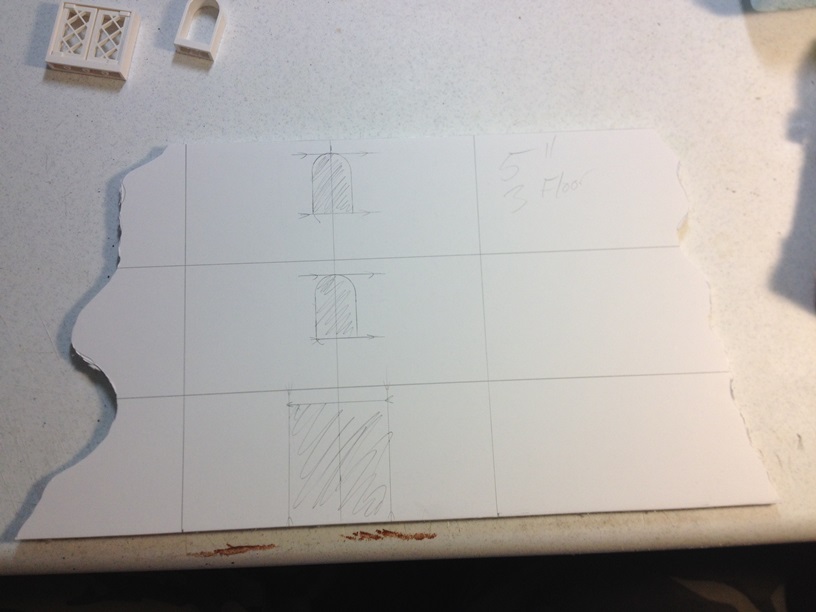
Before I do any further cutting, I like to decide on, and draw out my windows and doors. For ease of building, I like to use Lego windows. They look good, are the right size, can be ordered directly from the Lego website, and are super cheap. Decide on where you want to place them, and you can then just trace out the windows onto the foamcore:

IMG_1651b

IMG_1652b

IMG_1653b

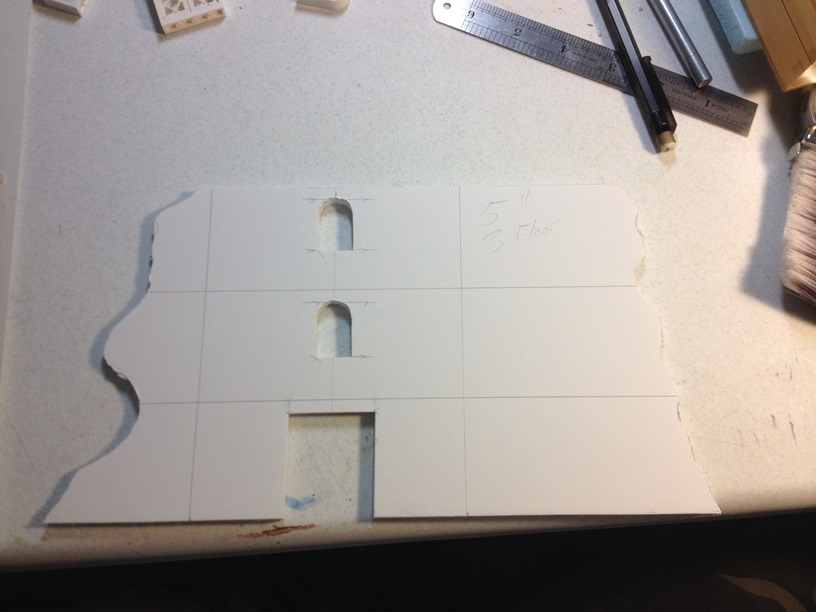
Once we have all of the window and door placement figured out, and drawn on, go ahead and cut them out.

IMG_1654b

IMG_1655b

IMG_1656b

Now, we are ready to cut the individual walls. What we are going to do here, is cut through the first layer of paper along our wall lines, and about halfway through the foam, leaving the second paper layer completely intact. By doing this, we can just fold the walls around, while keeping them attached to each other. This makes assembling the buildings much easier than if the walls were completely seperated. This is also why we made each wall section 3/8 inch shorter than our desired outer wall dimensions. We have to account for the width the foamcore itself adds to the wall dimensions once folded outward. Foamcore is about 3/16 of an inch wide, so if you count one folded section on each side, that adds 3/8 inch to the overall wall length.

IMG_1658b

Basing. Now, there are two schools of thought on terrain basing. Some like no bases at all so that all of their terrain sits directly on any table style with no aesthetic irregularities. Others, like me, prefer to make bases for their terrain for various reasons, including increased stability. If we want to make a base, now is the time. We draw the dimensions of the building floor out, and add 1/2 inch all the way around our outer dimensions.

IMG_1645b

Once everything is drawn out, cut the base out with a jigsaw. We do not have to worry about our cuts being perfect, as we are going to rough up the edges later anyway, to simulate a more natural look.

IMG_1646b

Once the base is cut out, we can glue our wall pieces down. We can use superglue for immediate adhesion, or we can use white glue if there is no superglue. Foamcore actually adheres using white glue VERY quickly, so it is almost as good as superglue. If our measurements are good on our base, we should be able to line our walls up almost perfectly using our measurement lines for gluing.

IMG_1659b

Since this particular piece has mulitple wall sections, we will go ahead and place the rest as well.

IMG_1657b

IMG_1660b

IMG_1661b

This is probably a good stopping point for the tutorial. I will post part two in the next day or so. If you like the tutorial so far, great! If you would like more, or less, of anything in particular, please let me know in the comments.

Thanks for reading,
Mike

Ground Cover Pieces for Mordheim

???????????????????????????????

Finally, something new to post! As I said in my last post, I have been super busy with real life lately, so I have not had much time, at all, for hobby work. Little by little, though, I have managed to get a few small pieces out. What I have for you today are several ground cover pieces. Ground cover pieces are the smaller pieces that go in between buildings. Having lots of really well made and interesting buildings is very nice, but if that is all you have, then your table just will not end up looking like a real village or city. It is these types of pieces that add character and believability.

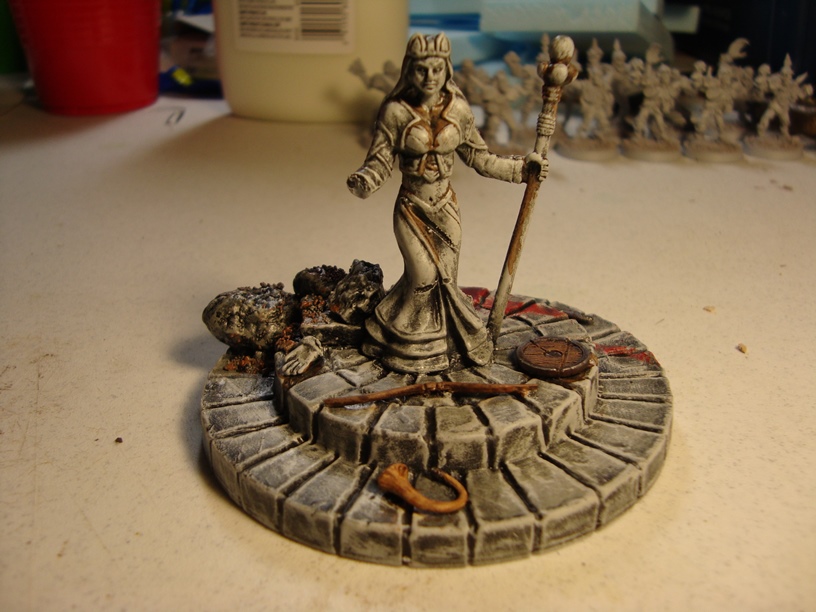
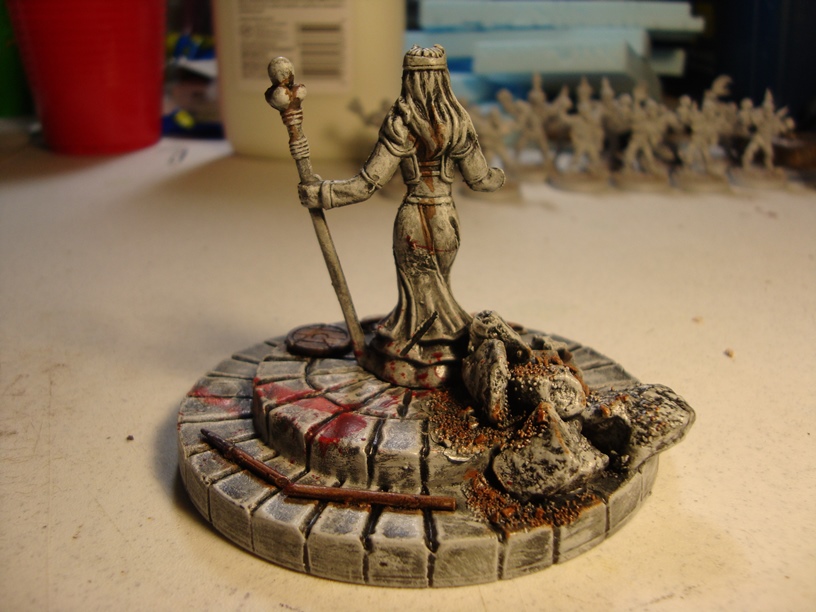
When first thinking about making these pieces, I started checking toy sections in various stores looking for anything that had conversion potential. I went to several different stores with no luck before finally coming across a Toys R Us brand called True Legends. I found a set that comes in a 72 piece bucket for about $10, and it has warriors, witches, elves, orcs, a few wall pieces, and even a dragon. The minis are far too large to use as models in game, and there sculpt quality is marginal, but they have a lot of potential for terrain conversion. The mini size is just about perfect for medium sized statues in 28mm scale, and several of the other pieces are so close in scale, that the difference is not noticeable.

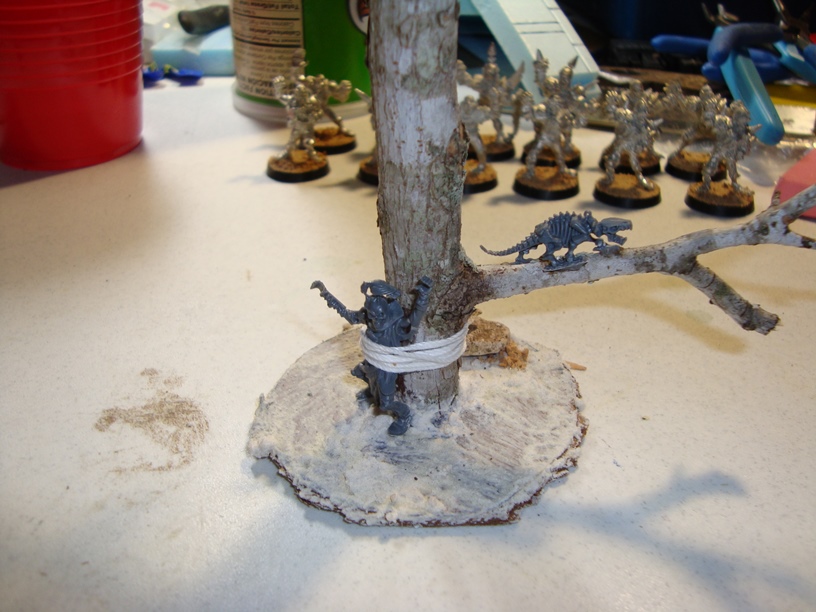
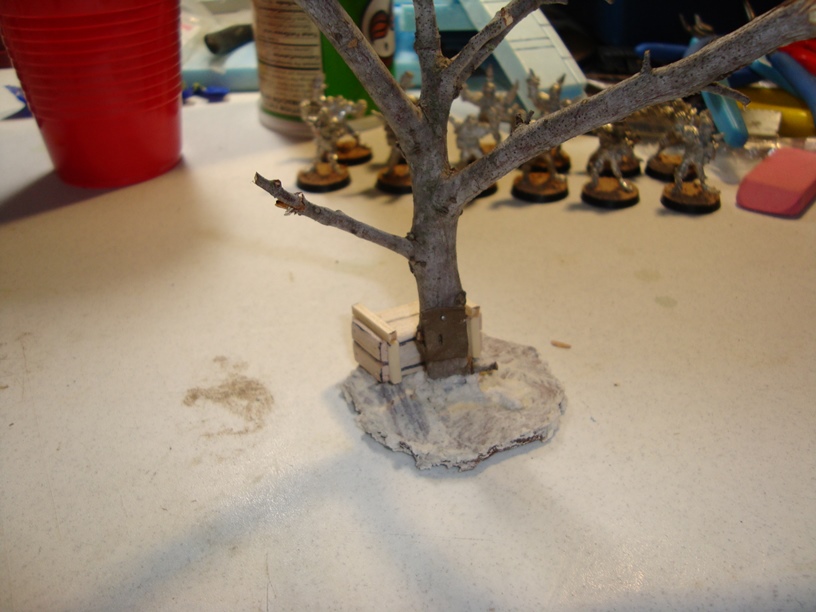
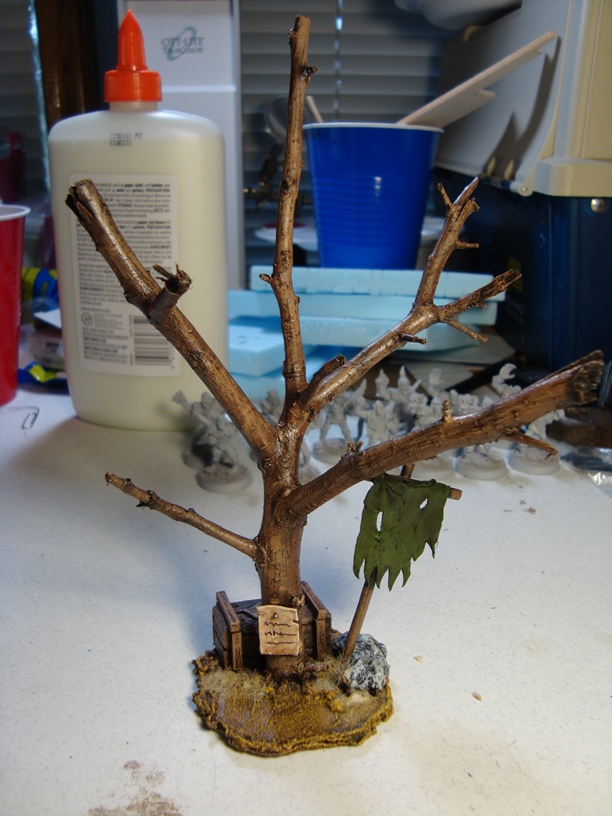
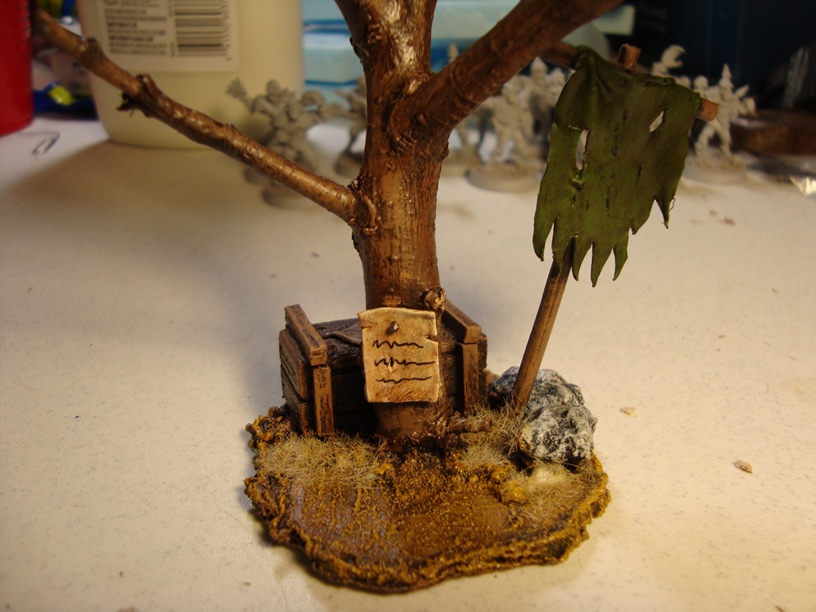
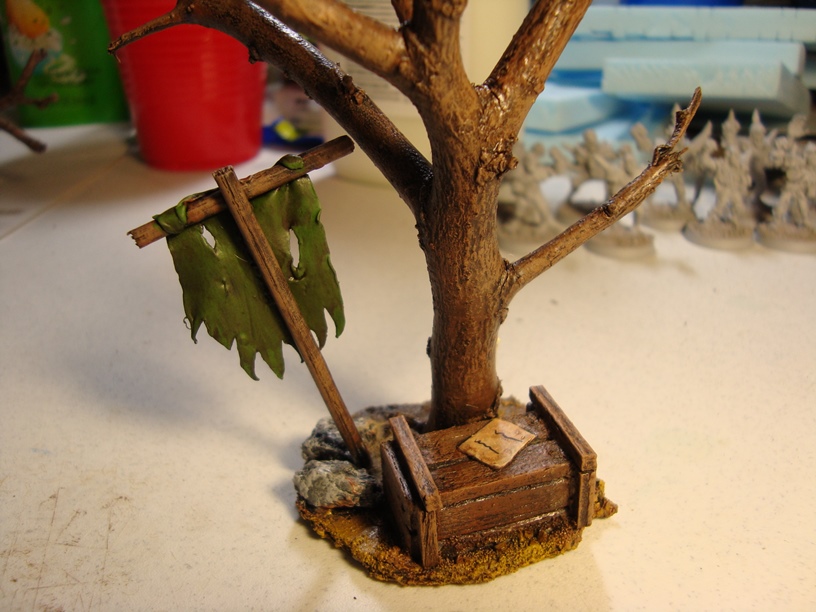
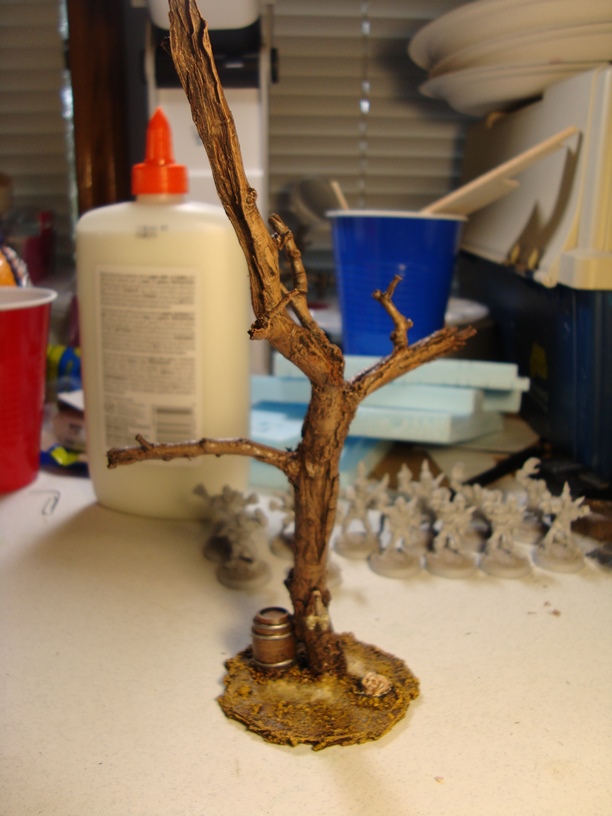
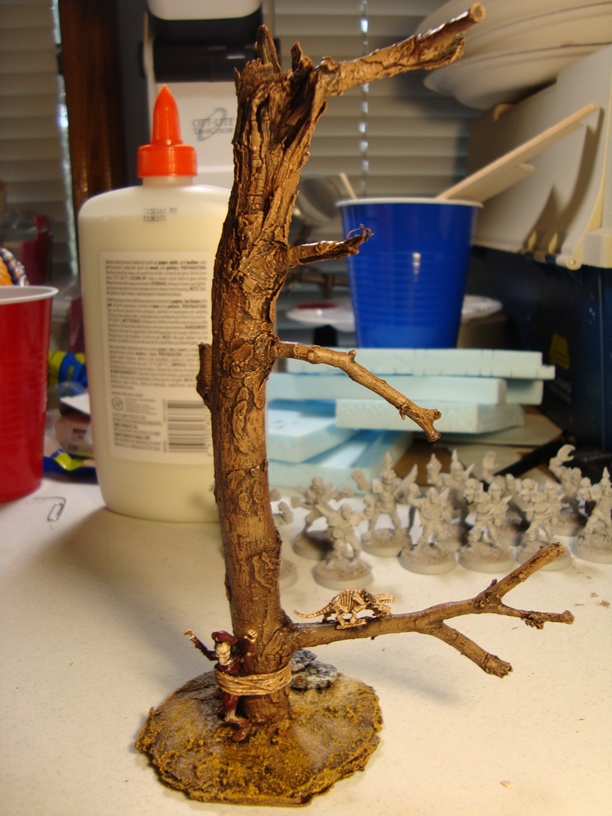
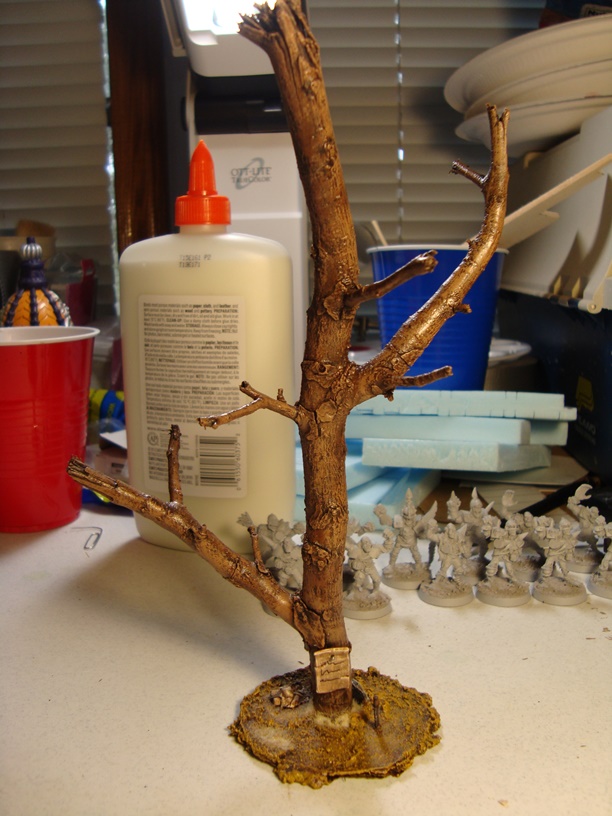
Along with converting some of these pieces, I also wanted to try my hand at a few trees. I have never made trees before, but having seen several different methods, I went with what I thought was both a relatively simple method, and one that produced good looking results. I found a really nice looking stick, and I broke it into pieces to give me what I thought was 4 good trees. At this point, I had everything I needed and began assembling.

???????????????????????????????

???????????????????????????????

???????????????????????????????

???????????????????????????????

???????????????????????????????

???????????????????????????????

The process was fairly simple for each. The statue was made by taking one of the True Legends minis and gluing it to a stone platform that also came in the set. I then added a few bits, rocks, and sand to make things a little more interesting. Then I took my dremel to the mini to add a little “battle damage” and simply painted the piece up. For a final flare, I added a nice blood splatter on the back side of the platform with bloody drag marks leading away from the statue. I used the Citadel Technical paint, Blood for the Blood God. It lived up to its name. 🙂
???????????????????????????????

???????????????????????????????

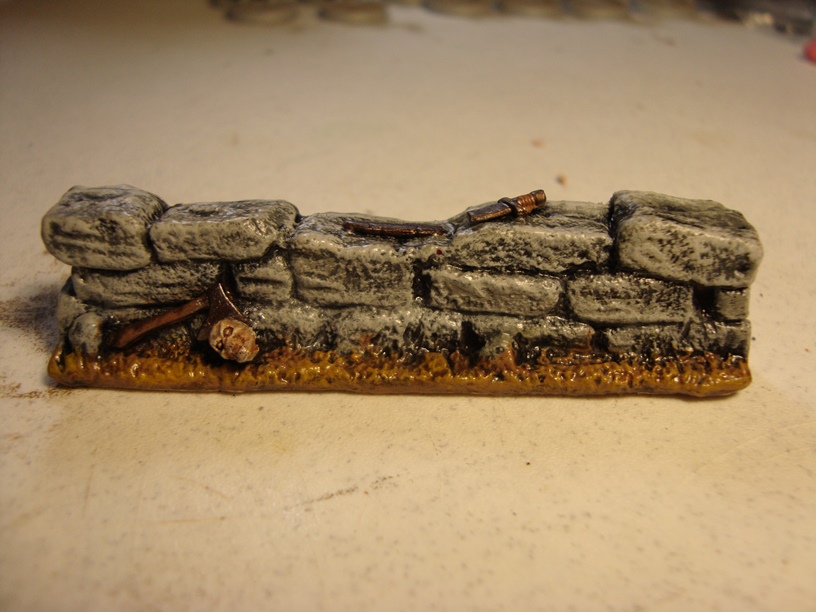
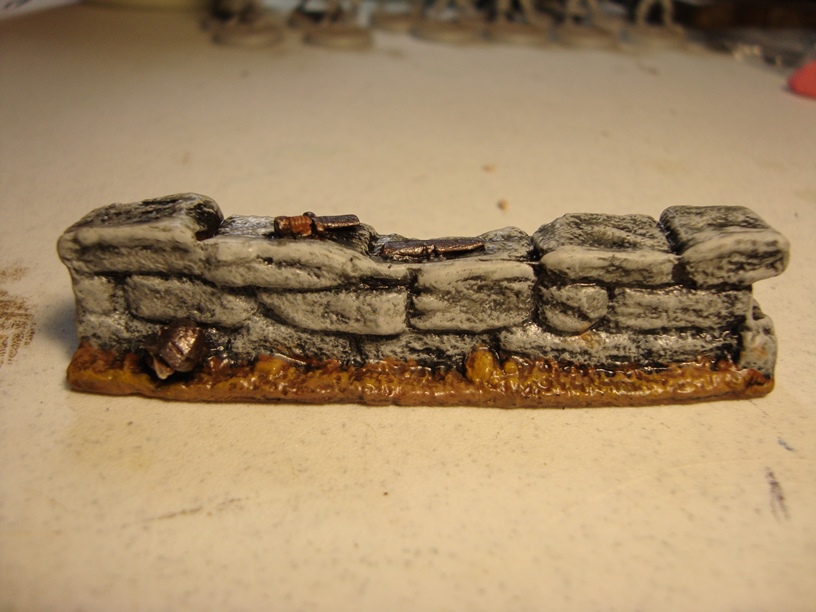
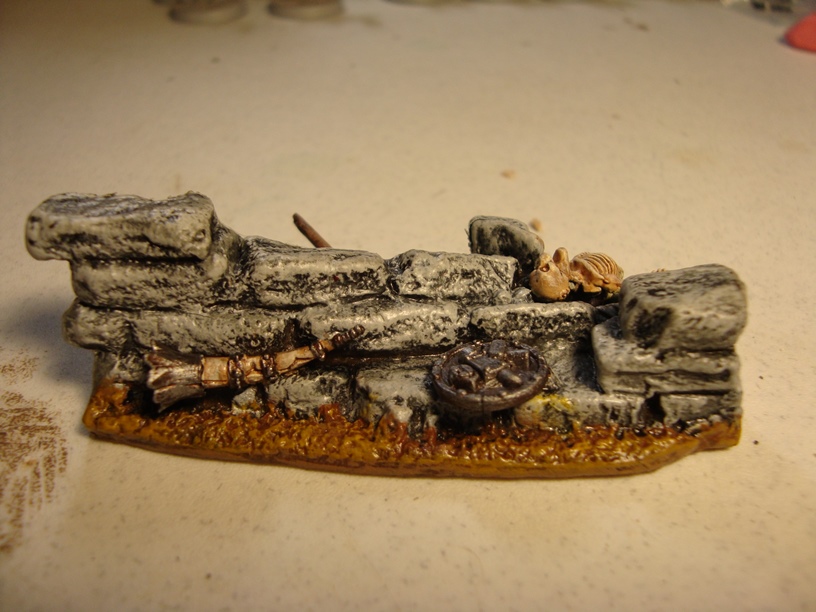
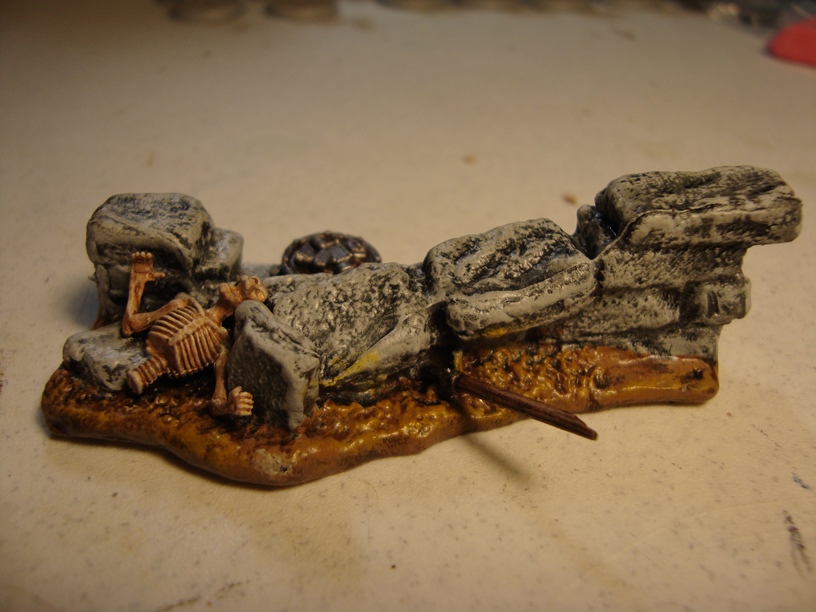
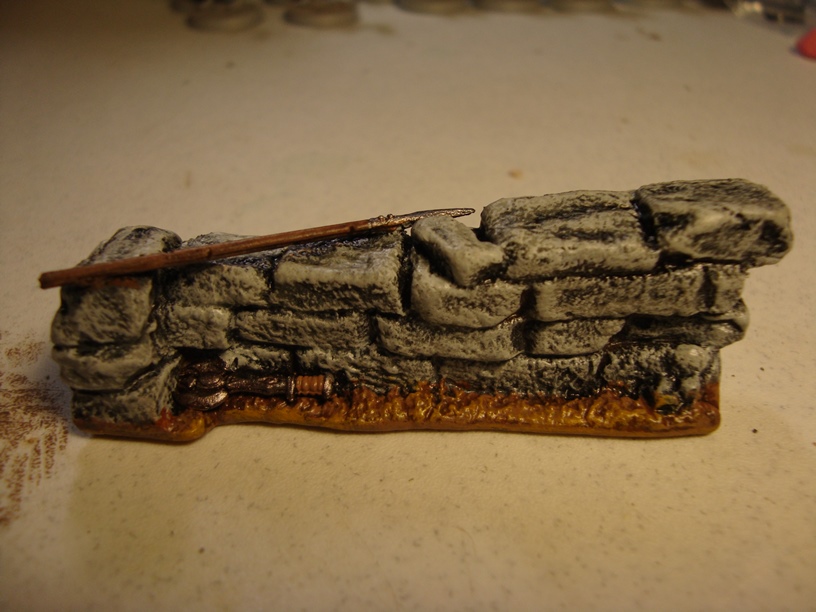
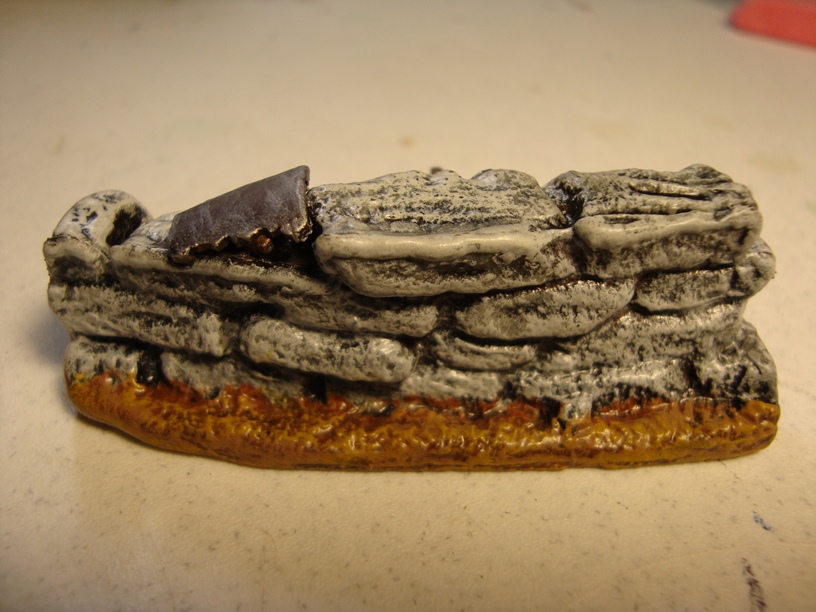
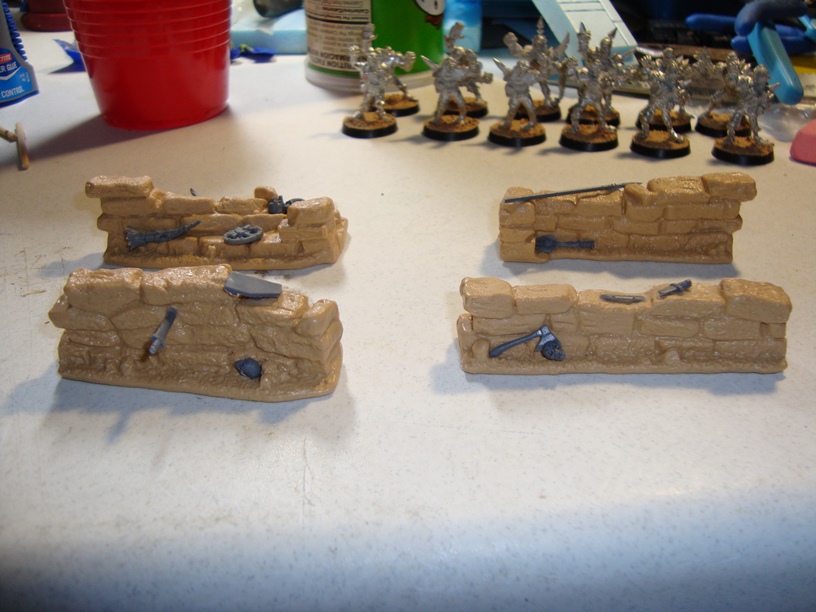
Next up were the wall sections. Honestly, these were, by far, the easiest pieces to make. I simply glued on a few bits to make them look a little more interesting, and then painted. Fairly straight forward.

Please ignore the shine, the matte clear coat was still slightly tacky and I had a bright light pointed directly at the pieces for the pictures. Under normal lighting, there is barely any noticeable shine.

???????????????????????????????

???????????????????????????????

???????????????????????????????

???????????????????????????????

???????????????????????????????

???????????????????????????????

???????????????????????????????

???????????????????????????????

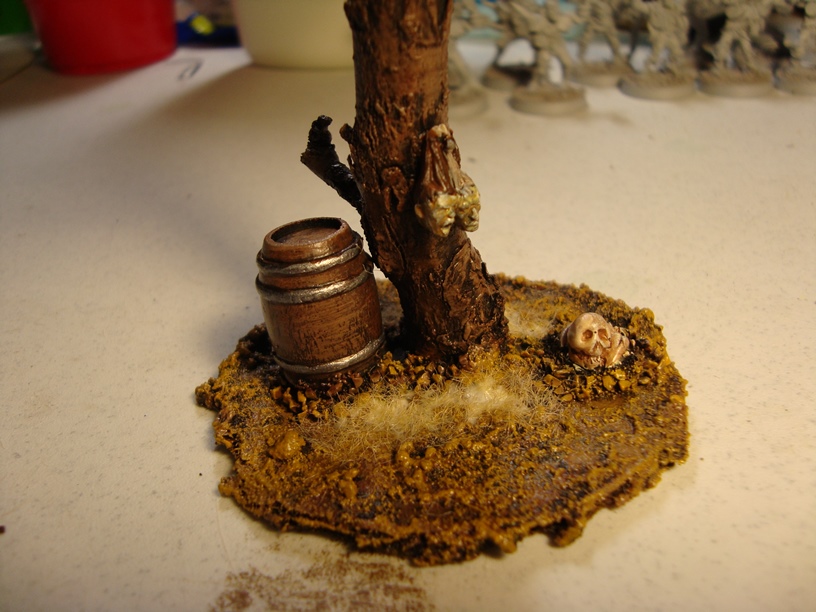
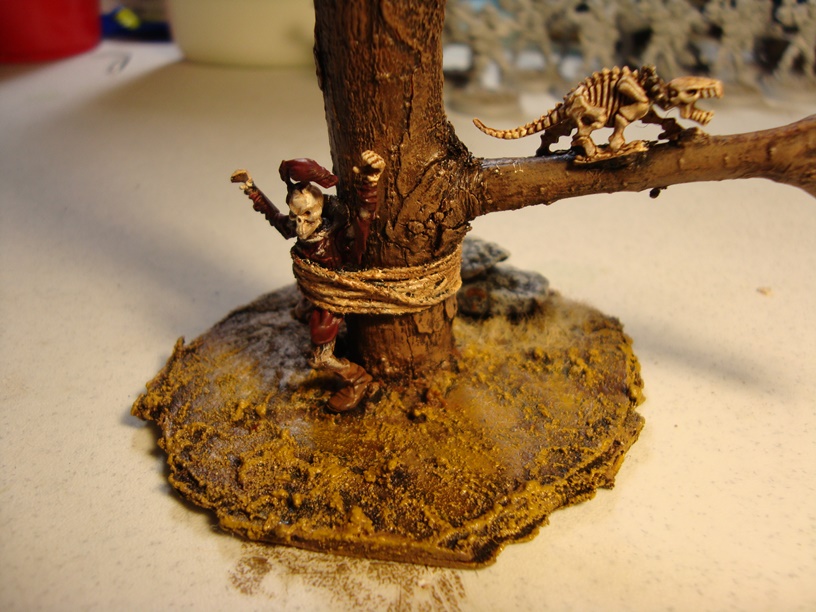
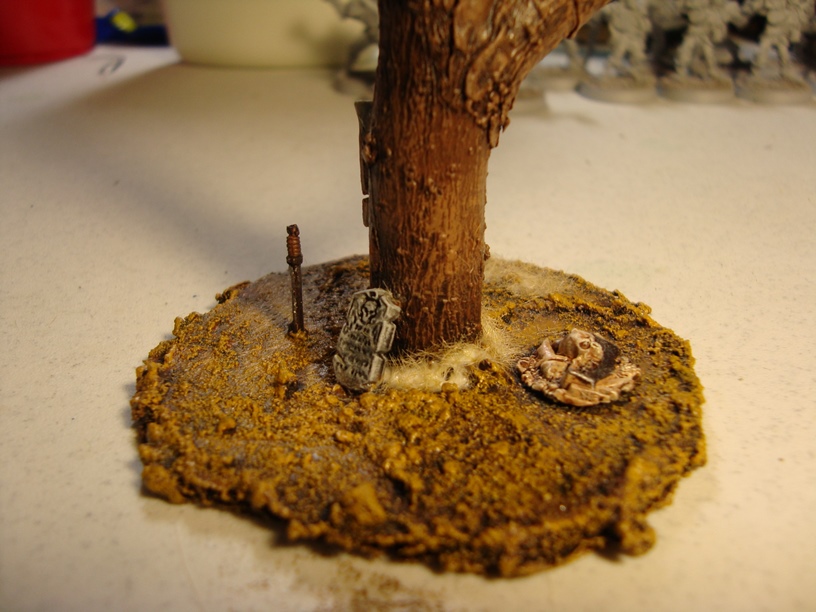
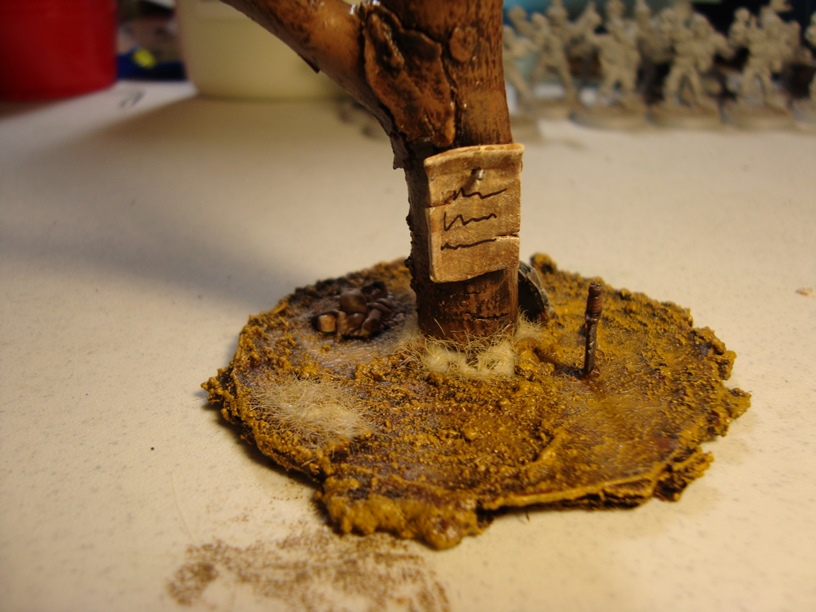
Last, but not least, we have the trees. I made small round bases out of MDF and super glued the trees to those bases. I also then drilled and pinned them to add a little more strength. Once that was done, I texted the bases using stucco patch, and started adding bits. I also tried my hand at sculpting for the first time. Nothing fancy, just a tattered banner, a couple of signs nailed to the trees, and a label for a handmade crate. After that, it was just simple painting, and a little static grass to finish off. In the following pics, the glue is still slightly wet for the static grass, so that is why those spots look a little funny.

???????????????????????????????

???????????????????????????????

???????????????????????????????

???????????????????????????????

???????????????????????????????

???????????????????????????????

???????????????????????????????

???????????????????????????????

???????????????????????????????

???????????????????????????????

???????????????????????????????

And that is all I have for today! I have a couple of more ideas ready to hit the work table, and as requested, I will be working on a tutorial post soon, so check back!

Modular Bridges Are Here!

IMG_1250b

Been a little while since I have had anything new to show off, but I finally got some terrain time over the holidays, so it is officially time to post something! I was asked to do a tutorial post, but since I was already way too far into this build to try and do a real step-by-step sort of thing, the full tutorial post will be my next project. So if you are interested in that, stay tuned!

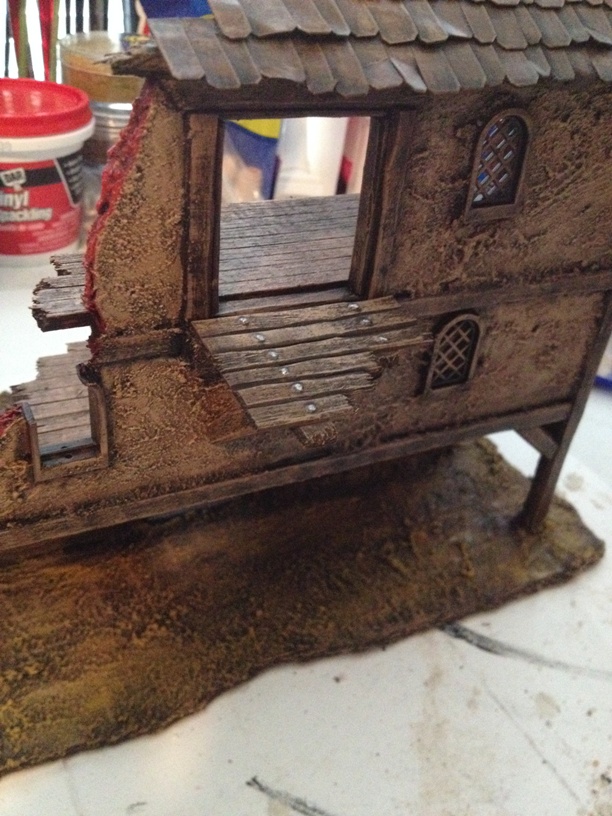
These buildings were made as a set to prototype the modular bridge and balcony idea I had a few months ago. The set consisted of a small, two floor building that was mostly ruin, a longer, three floor building with the bridge opening on the third floor, and a five floor behemoth guard tower with openings and mounts on the third and fourth floors. Almost right away I realized that my design for the two floor building would not work because I found that I needed a flat wall below the bridge mount for support. I finished the piece anyway, though, because I had already put a bit of work into it, and it is still a good enough piece to sit on my table. Here are a few pictures of that piece.

IMG_1260b

IMG_1261b

IMG_1262b

IMG_1263b

All three buildings are foamcore walls, and balsa wood sticks for corner supports. I tried something different with these buildings and for the floors used sheet balsa wood, cut and scored to make the individual boards. Not sure if I will continue to do it this way. It saves HOURS but honestly, it just does not look as good as individually cut and shapes craft popsicle sticks. Maybe I just need to work with it some more and perfect the technique. Anyway, the windows are Lego windows, which are AWESOME, and the walls and base are textured with stucco patch.

Next up is the three floor building.

IMG_1256b

IMG_1257b

IMG_1258b

IMG_1259b

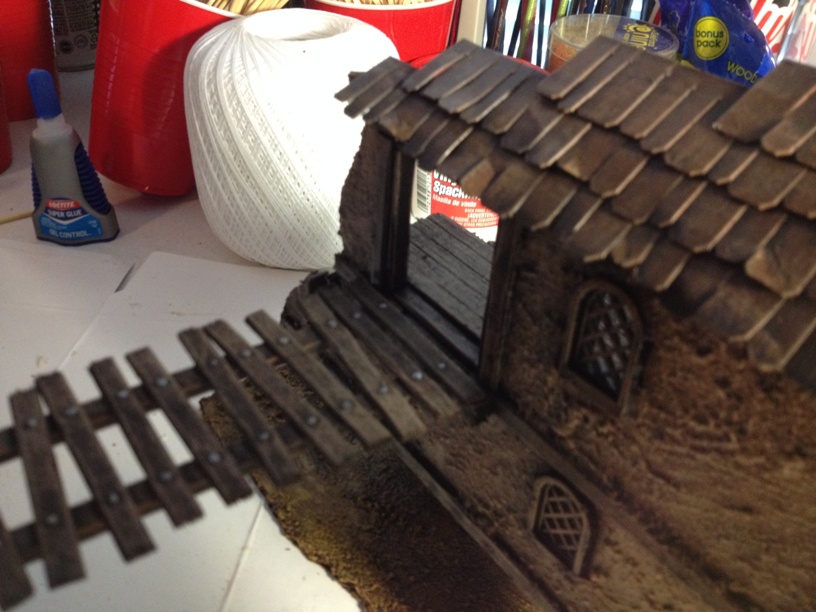
This building has pretty much the exact same construction as the first except for some cardboard roof tiles. Here are a couple of close up pictures of one of the modular balconies in place on this building.

IMG_1267b

IMG_1268b

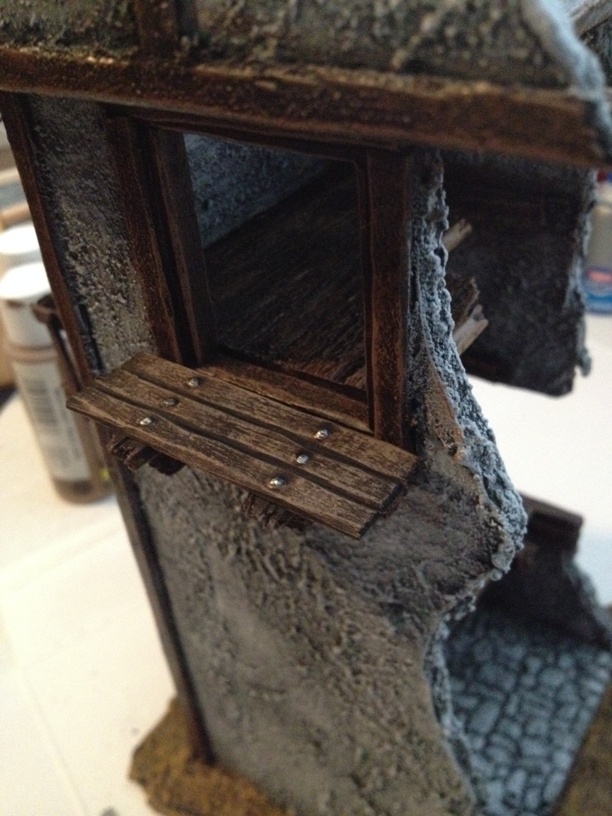
As you can see, the balconies fit in nice and snug. You probably would not ever be able to tell that they are removable. Any of the balconies that I have made can fit onto any mount on any building.

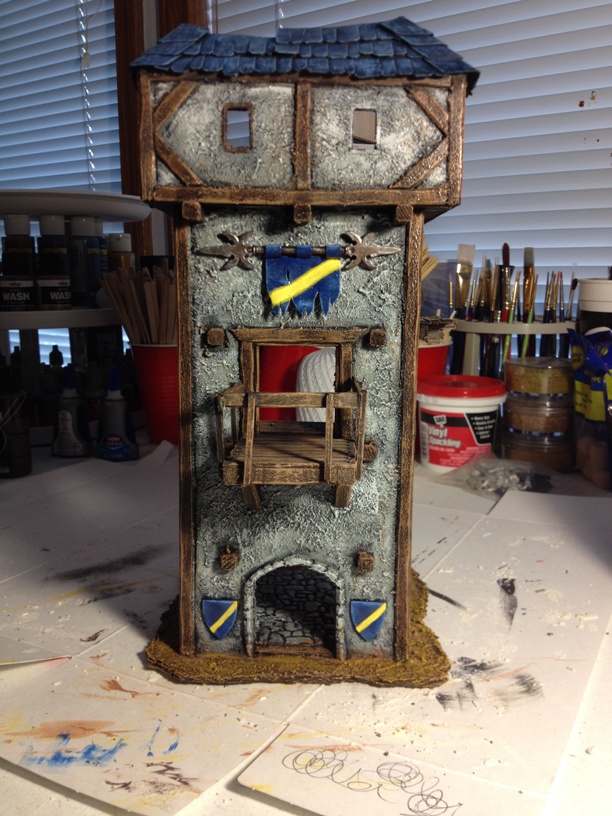
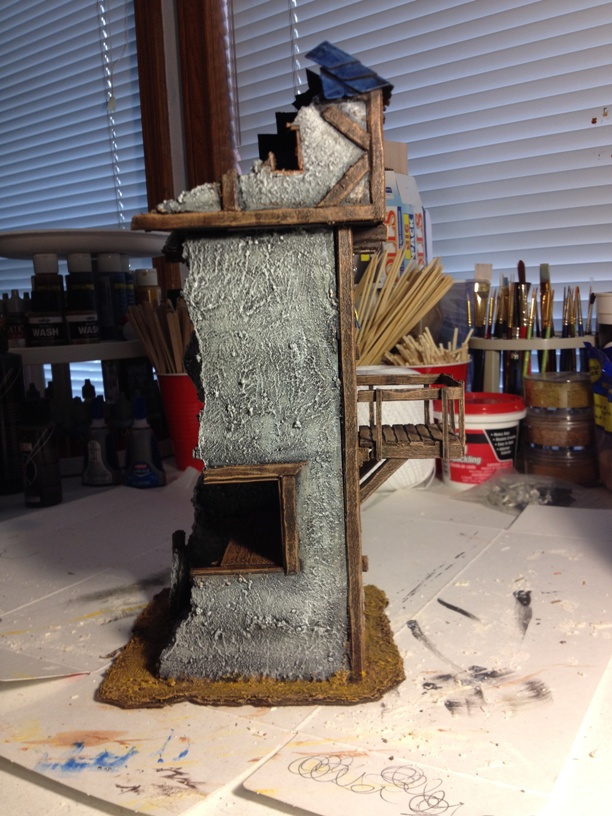
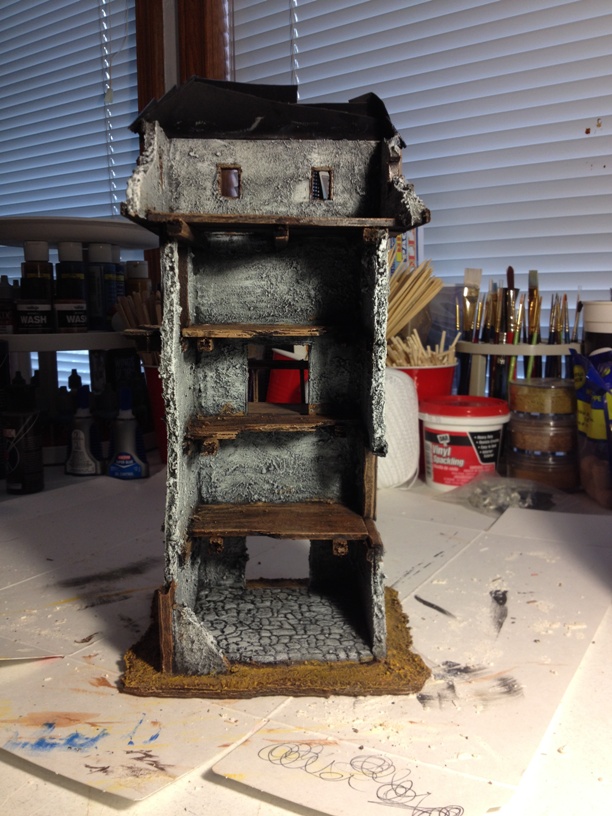
Finally, we have the big guard tower…

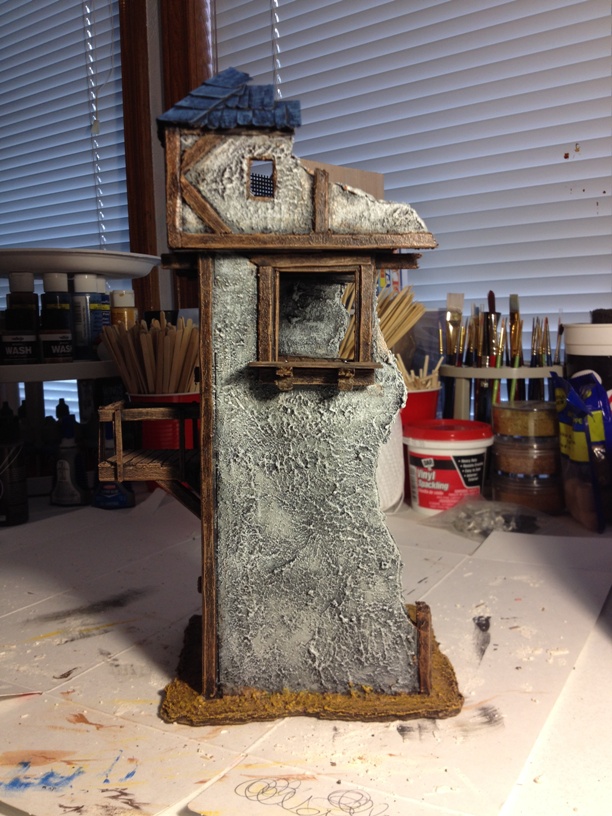
IMG_1252b

IMG_1253b

IMG_1254b

IMG_1255b

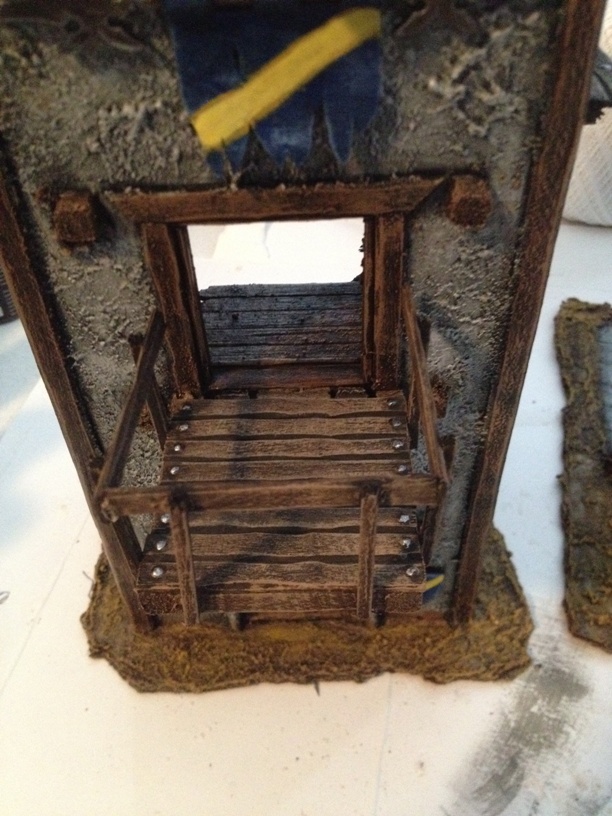
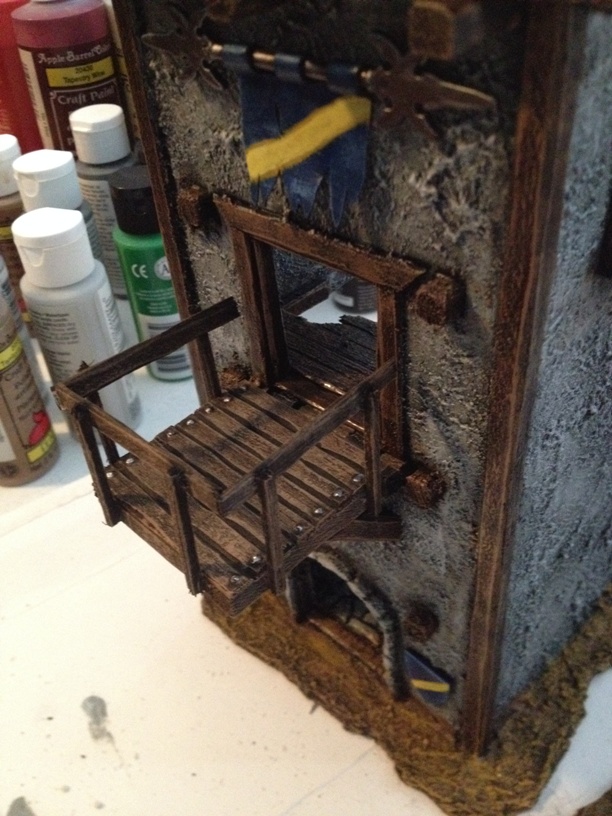
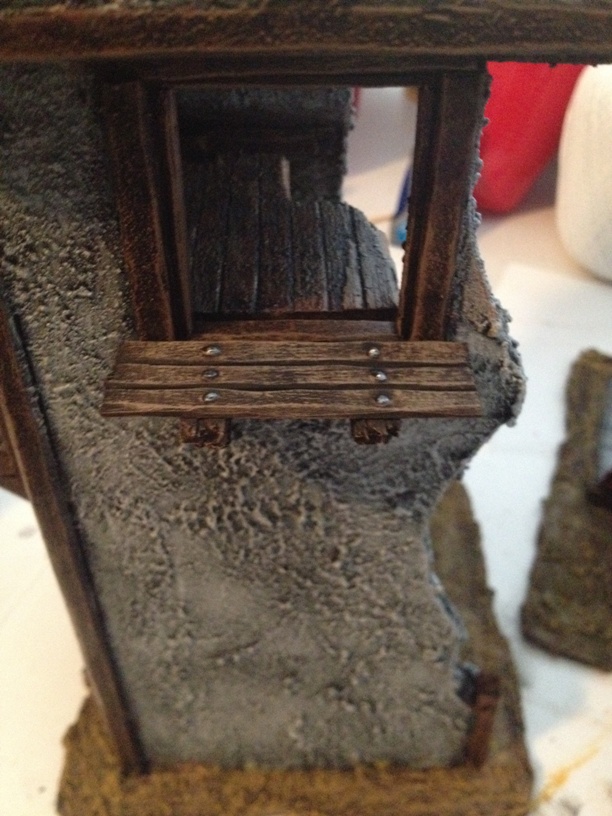
And close ups of the balconies…

IMG_1269b

IMG_1270b

IMG_1271b

IMG_1272b

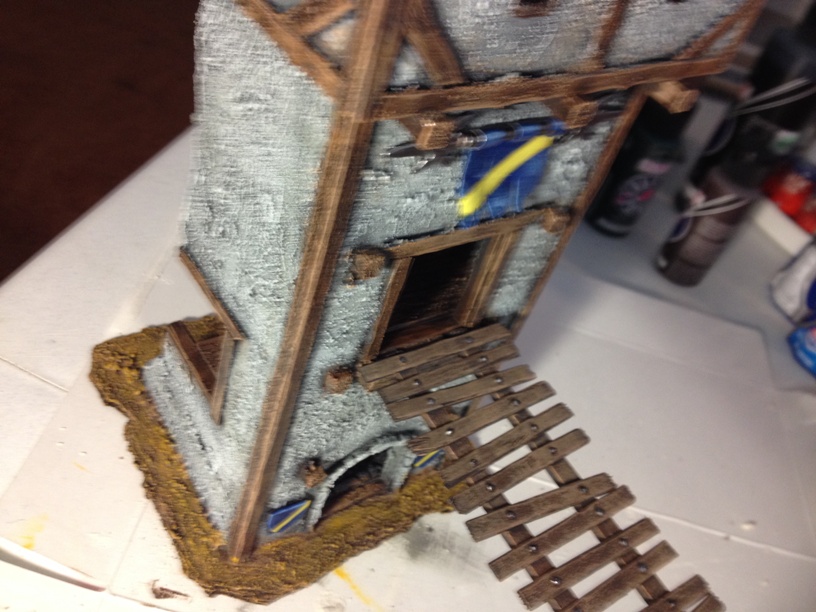
I did not use any Lego windows on this one, but the shields on either side of the front door, and the banner pole are all modified Lego pieces. Lego pieces are cheap, easy to cut and modify, and close enough in scale that they are worth looking at as additions to anyone’s bitz box.

Now that you have seen the buildings with the balconies in place, now it’s time to see the bridge. Sorry for the blurry pictures…

IMG_1264b

IMG_1265b

IMG_1266b

Again, much like the balconies, the bridge fits in snuggly, and flush. Someone would be hard pressed to know it was removable if I did not tell or show them. Only time and gaming will tell if my rudimentary engineering skills will hold up on the table top. Wish me luck!

Legos are awesome!

Quick post today… just wanted to share a nifty tip I picked up on Tom’s Boring Mordheim Forum. Use Lego windows in your terrain projects. You can buy individual pieces from the Lego website for dirt cheap and have them shipped right to your house. I think I paid $.20 a piece for the window that I ordered. They also have a couple of different window options, and one of the two different types I ordered actually open. Not critical by any means, but it could add a fun little dimension. Check it out…

IMG_1192b

Just cut/file/dremel the pieces off of the tops of the window frames and they slide right into the foamcore. You could also skip the window frames if you wanted, but personally,  I like the way that they look.

Here they are placed in a new piece of terrain that I am currently working on.

IMG_1190b

IMG_1191b

Very good looking windows, cheap and easy.

I do not plan on using them in every building I make as I do not like all my buildings to look too uniform, but I will definitely use them here and there.

Statue of the Damned

Well, I got sidetracked for a while but my giant statue project is finally finished. This piece, like all terrain presented some unique and interesting challenges. The single hardest part was removing all the glittery crap that originally came on the statue. Once I got that off, the piece came together fairly quickly, and I would have finished much sooner, but fatherhood takes up a big chunk of life.

Anyway, on to the good stuff!

IMG_1181b

From the front… As I have said before, this thing is BIG. The rounded base the statue stands on is the same height as a standard 28mm mini. The statue was painted to look like weathered stone and several cover pieces were built into the base of the statue so that minis could really use this piece, and it would not be relegated to a visual only piece.

IMG_1184b

IMG_1183b

IMG_1182b

And now for a few closeups!

IMG_1187b

IMG_1185b

IMG_1186b

IMG_1188b

IMG_1189b

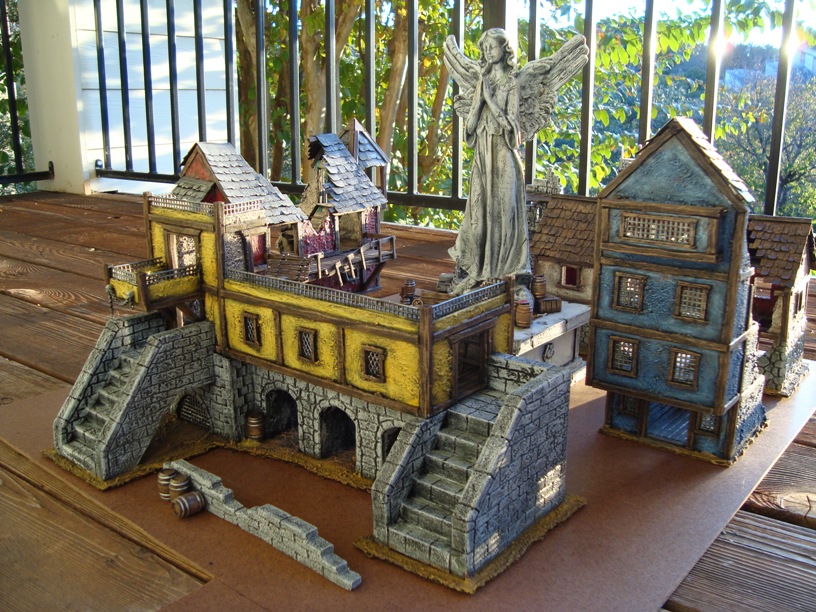
Just for fun I set up all the pieces I currently have to see how everything looks. I don’t have nearly enough for a good game yet, but what it there has a good look to it so far I think…

DSC01164b

DSC01165b

DSC01166b

DSC01170b

And that is all I have for tonight. I hope the one or two people who see this enjoy my work.

Modular Bridges?!?

Here’s another idea I’ve been toying with… I have always loved makeshift bridges, and walkways between buildings in Mordheim. One of the biggest problems though is that they fall every time someone bumps a building. So I started thinking about attaching the bridges to the buildings themselves. But then I would be stuck with the buildings and bridges in one configuration, and that doesn’t work for me because I like to change things up too much. So I started toying with the idea of a system that would be modular, but still “lock” in place so that the bridges didn’t come tumbling down if someone sneezed.

I thought about the problem for a few months, toying with different ideas in my head. I kept running into a problem though… How to disguise the mounting system when not in use so it doesn’t LOOK like a modular mounting system. I tried to think of a way to tie the mount into a balcony or partially destroyed balcony and still make it look natural but couldn’t think of a way to do it… until…

It struck me that if my bridges were all going to be modular, why couldn’t my balconies be modular as well? I could just make a small handful of balconies in various states of destruction and simply hang them by the same mounting system that the bridges use. problem solved. Below are pictures of my prototype bridge and mounts…

IMG_1132b

This is a guard tower that I just started working on. You can see the mount on the front of the building about halfway up.

IMG_1131b

Here is a close up of the mount. Just made of balsa for now, and pinned to the wall of the building for a little extra strength.

IMG_1133b

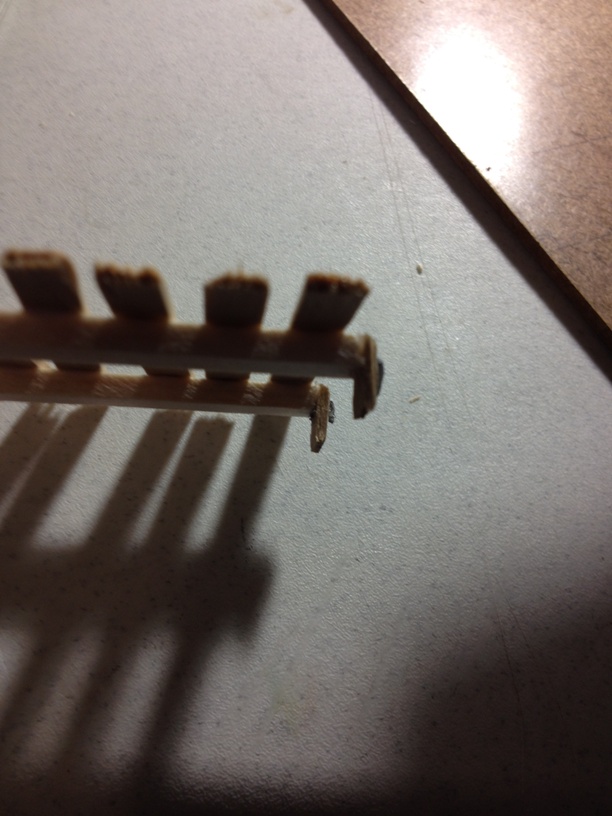
Close up of the ends of the bridge. These tabs slide right into the slots on the mount. Also pinned for strength.

IMG_1134b

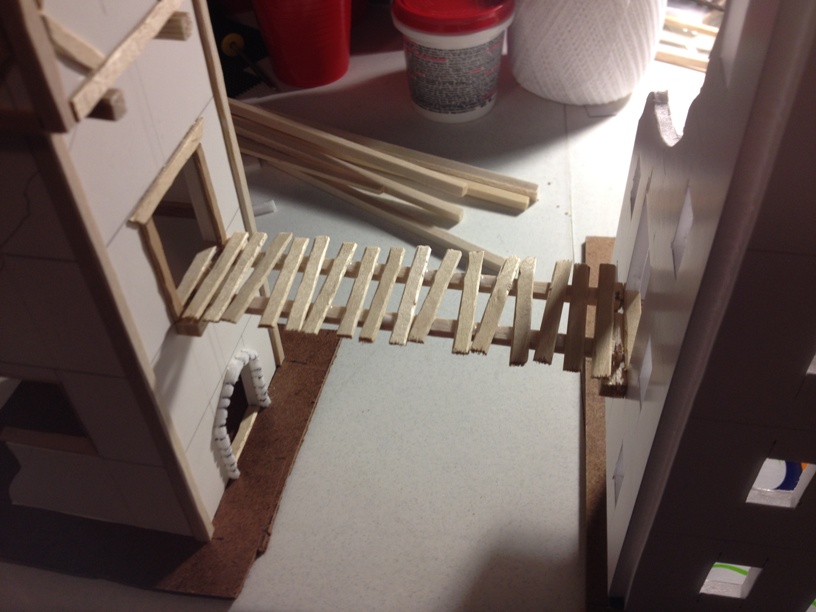
The bridge in place between two buildings. It’s a reasonably tight fit and just through casual bump testing, it seems to be holding well.

If I had a scroll saw or something, I could cut it out of a harder wood for more strength, but alas, I don’t. Refining of the idea will no doubt come after play testing, and the balsa wood mounts may or may not hold up at all, but I liked the idea of it if nothing else.

I have not made any of the modular balcony pieces yet but I will hopefully get one done in the next couple of days and post something.

More posts and more terrain coming soon!

Back to work!

It’s been a little while since I have posted anything. What can I say, being a dad is tiring, and time consuming. Having said that though, I felt like it was finally time to get back to annoying people on the interwebs! I have had several ideas for terrain swimming around in my head lately, and with a Mordheim campaign possibly happening in the spring, I decided that I really needed to get to work as I don’t yet have a full table worth of terrain. I usually only work on one piece at a time so I can really concentrate on finishing said piece, but now I’m worried that I won’t have enough time to get a whole table done so I am actually working on 6 pieces all at once. The idea is to get them at least functional, if not finished by the time the campaign starts. Unfinished pieces on the table are kind of a bummer, but not as much as a table with only 4 or 5 buildings.

As I progress with the buildings I will post more, but today I will start by teasing two pieces that I’m currently working on. One is a part of something that will end up being a much bigger idea if I can manage to pull it off right, and the other is kind of a table centerpiece.

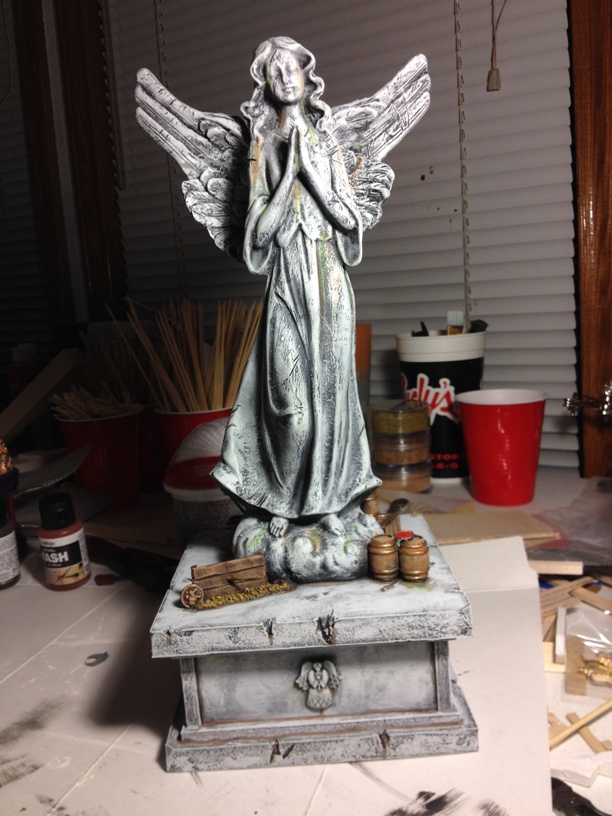
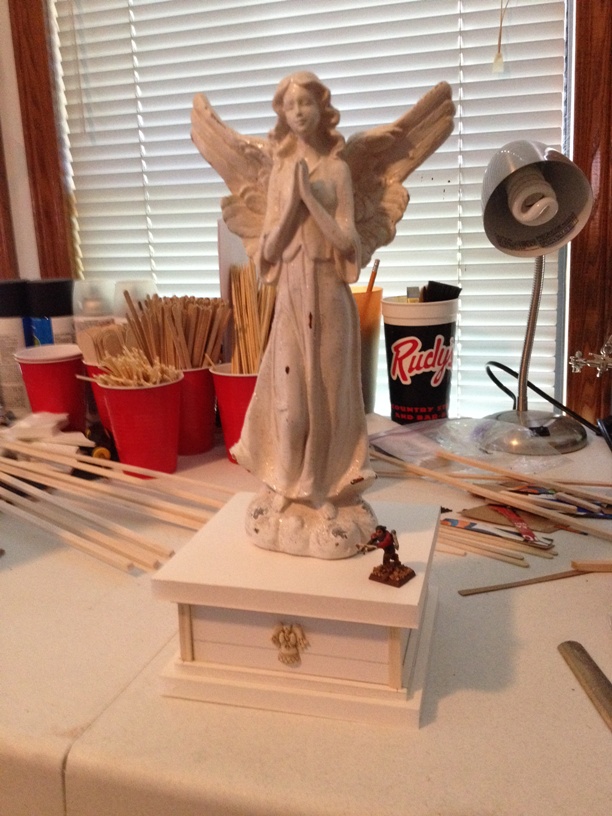
I have recently been playing Bioshock Infinite and I was really taken with the visual of the GIANT winged woman statue that loomed over everything. That kind of got me thinking about how the impact of that kind of visual could work in a game like Mordheim. With that idea in my head, I headed over to my local hobby superstore and went to the Christmas decoration section(that stuff goes up mid summer these days…). After a bit of looking, I found a statuette that, while not perfect, would work. Here it is…

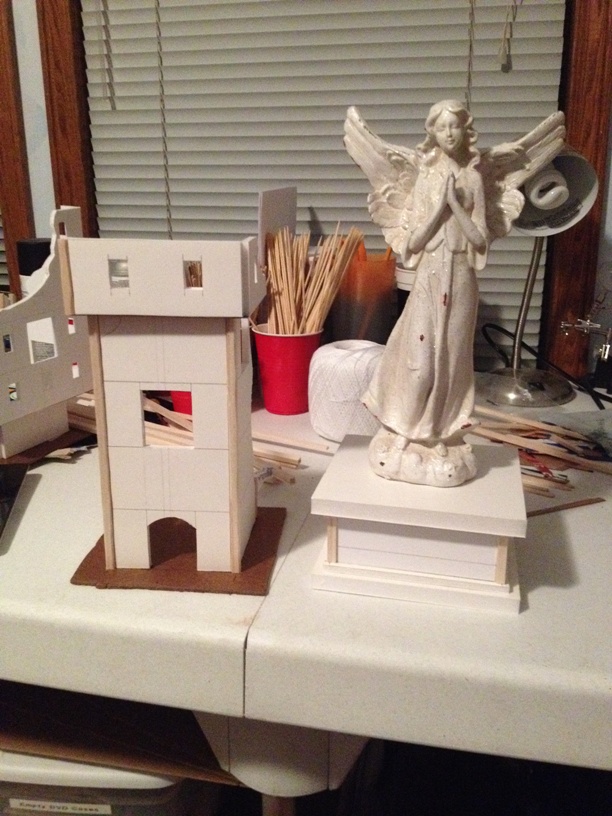
IMG_1118b

The statuette is bigger than it looks. For scale I have placed it next to a 5 story piece… The statuette is taller.

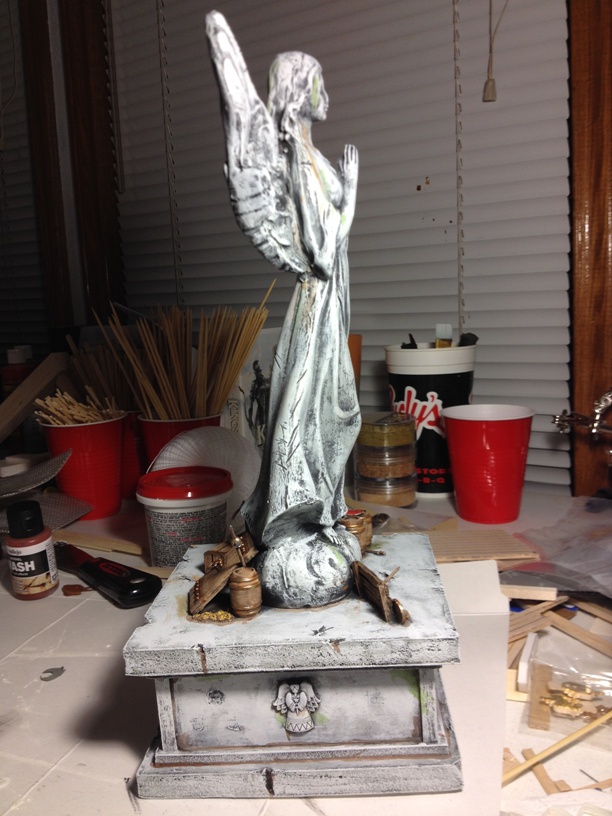
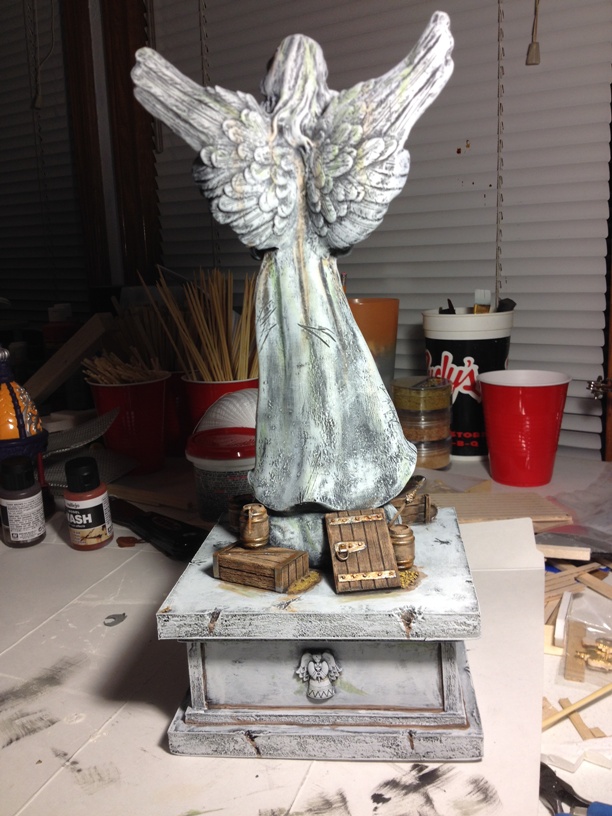
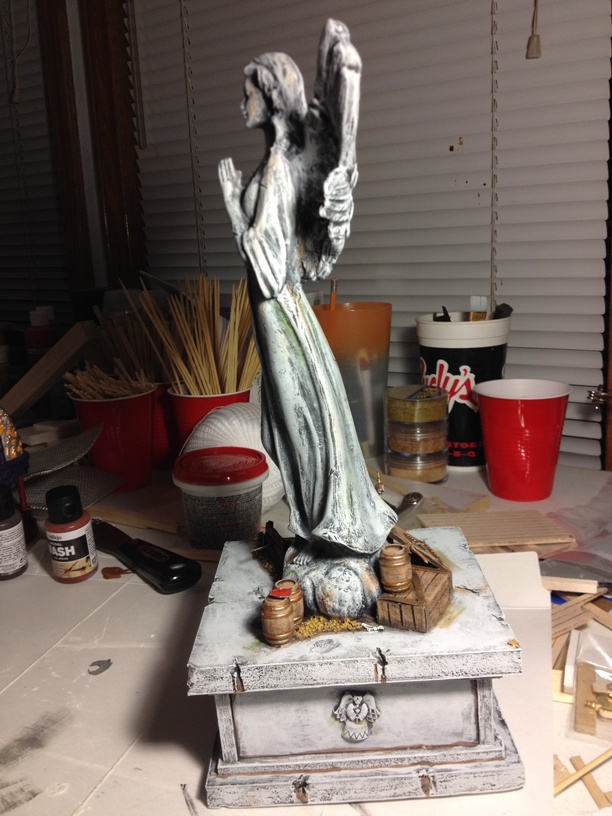
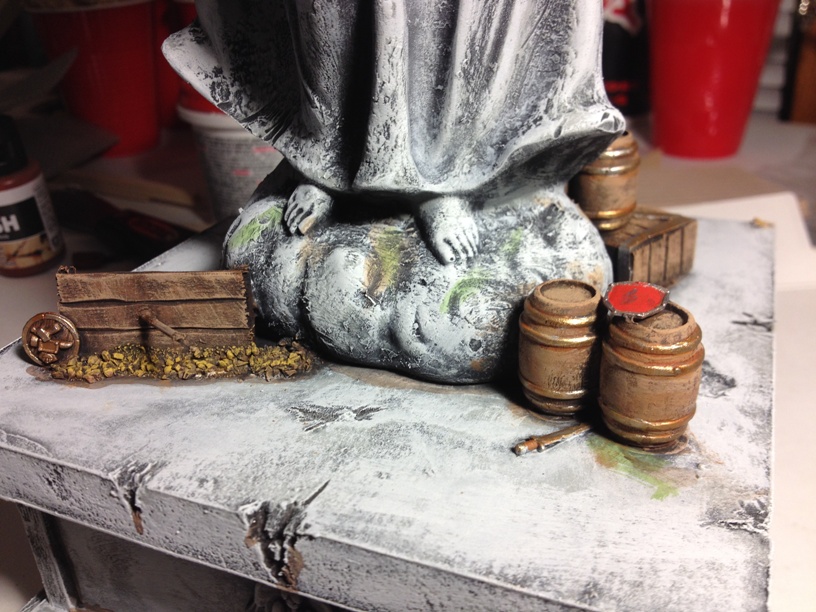
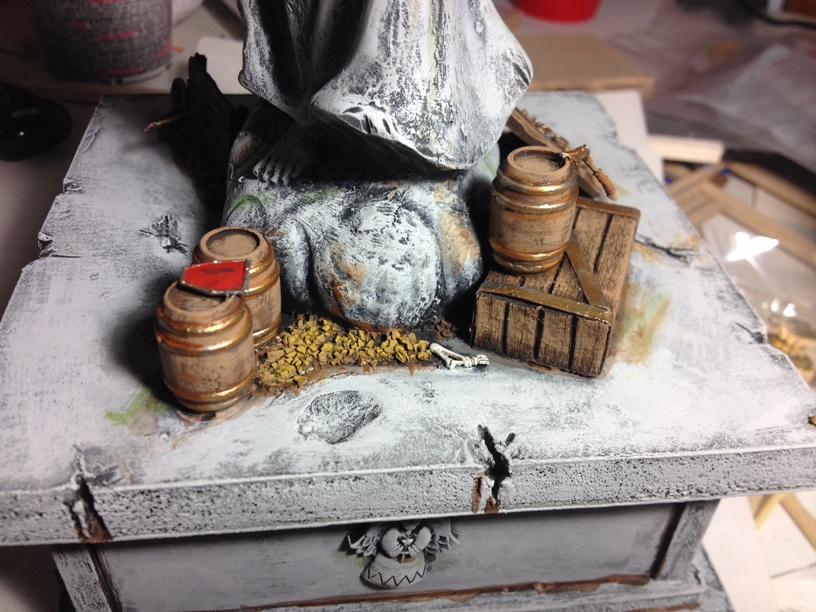
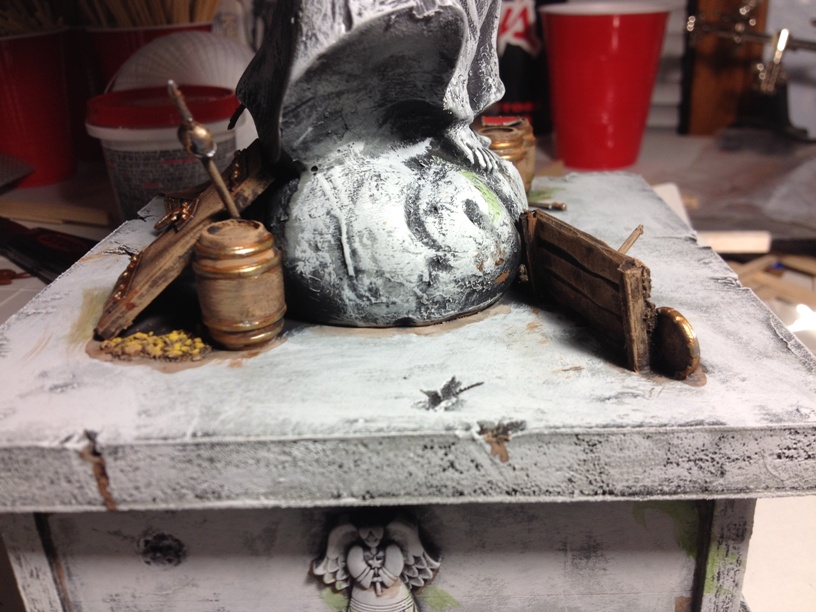
Now, the piece I have in mind will mainly be an atmosphere and line of sight breaking piece, but I also wanted it to have at least SOME interactivity with minis. With that in mind, I build a large pedestal base for it as an almost Statue of Liberty style piece. It works because most statues this large in scale, would have that sort of base to them. This is what I came up with…

IMG_1120b

As you can see, the statue now TOWERS over the 5 story building it is next to by a good four inches. The base is six inches by six inches, and will have plenty of room for barricading and minis to run around. All it needs is some detailing and “roughing up” and it should be a relatively easy to make, yet attention grabbing piece. Can’t wait to show it off when it’s done.

The second, aforementioned building, is the 5 story piece the statue is next to. It’s going to be a fairly simple guard tower, but I have thought up a way to make it connect to several other pieces in a couple of different places via a modular bridge idea I thought up. Now, if I can only pull it off properly…

That’s all for now! Hope I didn’t bore the two or three people who might read this too much!

Thanks!

***edit***

I just wanted to add one more pic to reinforce the scale of this piece…

IMG_1122b

That’s a normal 28mm sized mini sitting on the base with the statue… BOOM! 🙂

The Table Is Slowly Coming Together

So, with the holiday weekend, I was able to find enough time to finish up my latest piece, as well and paint up a couple of other pieces I had lying around.

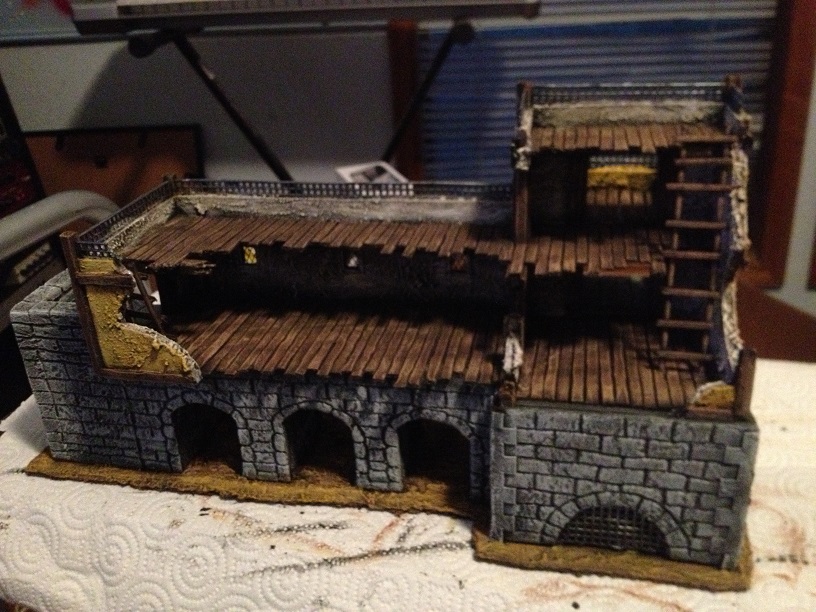
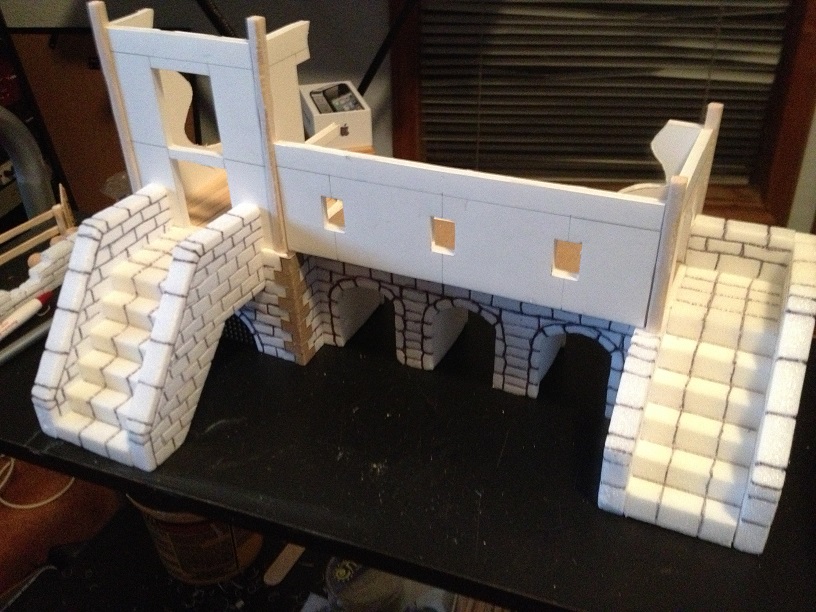
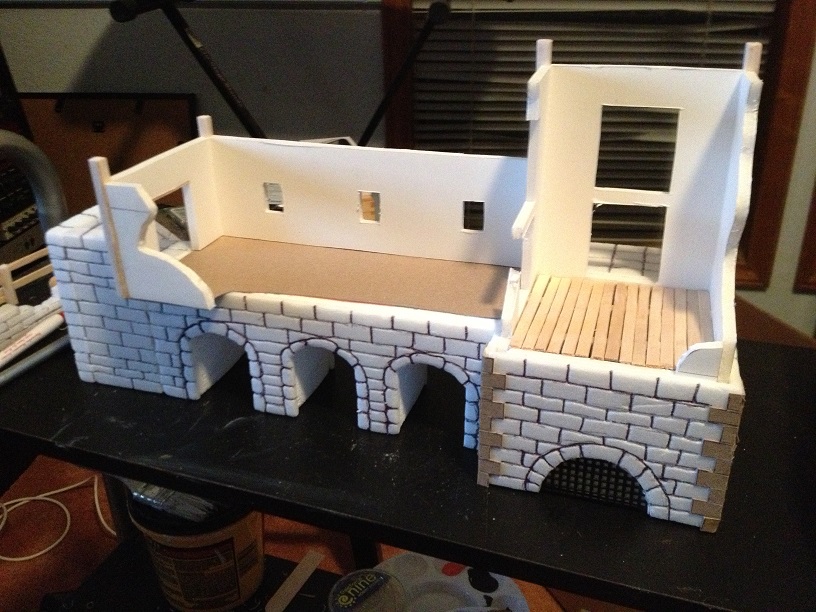
First up is a pic of the back side of the “bridge house.” I decided to go with an all flat roof on this piece to allow minis access to as much of the building as possible. With the building sitting on top of a raised platform, the flat roof gives it more of a military or industrial feel I think. The area of the first floor on the right of this pic is inaccessible to minis. I just serves as part of the platform for the rest of the piece.

IMG_0875b

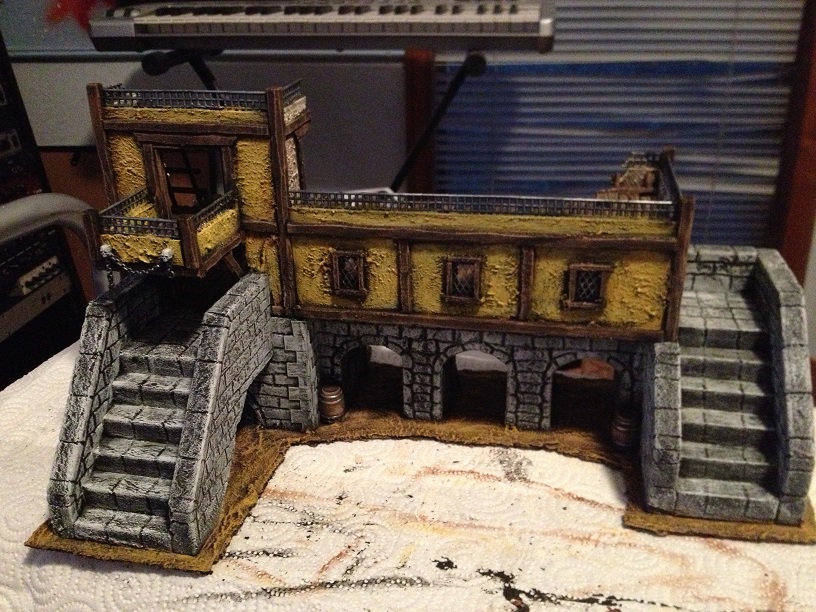
Up next is the front of the building. It has a stairway on either side for easy access, and all three arches as well as the space under the stairway on the left are large enough for most minis to pass easily.


IMG_0876b

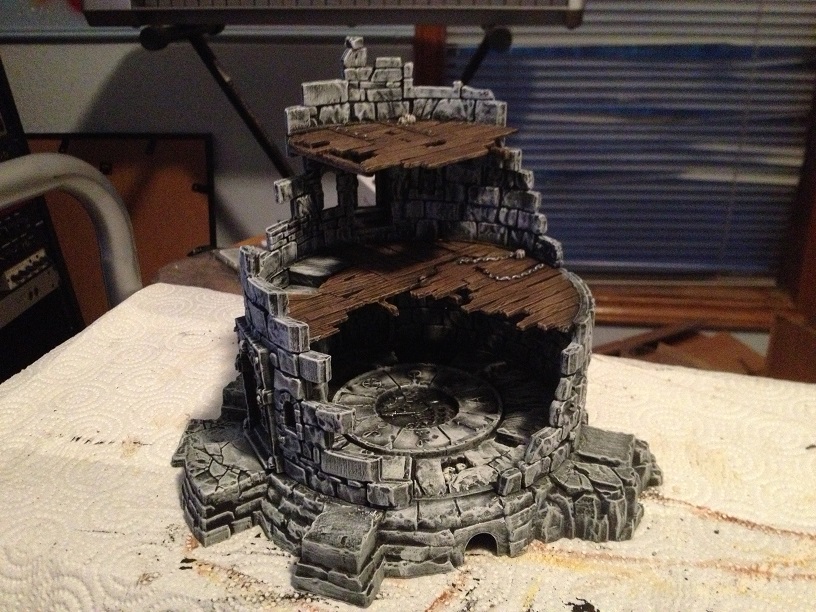
I usually build all my terrain from scratch, but I’m certainly not opposed to using commercial pieces if they work well for my games. Games Workshop’s Dreadstone Blight, for example, looks like it is tailor made for Mordheim. It is a destroyed tower with three accessible floors. Admittedly, I did not go nearly as crazy as I could have picking out all the details on this piece, but it had been sitting around for some time assembled but unpainted and I wanted to just get it ready for the tabletop already. It should work quite well in games.


IMG_0877b

Finally, here are a couple of shots of my current pieces set up together on a table. I have nowhere near enough pieces to really host a decent game yet, but I think this is a decent start towards a modest table.

IMG_0879b

IMG_0880b

IMG_0881b

Yep, more Mordheim…

IMG_0863b

Time for a new project. I have liked the idea of a “bridge house” for quite a while. I came across an image of a really great piece years ago that made me fall in love with the idea. This is actually the third time I have started a piece like this over the years. I have never actually finished one yet but I am determined to complete this one. I have several other ideas spinning around my head but I refuse to pursue them until I actually manage to finish this one. I figure if I post info about it online that maybe somehow that will motivate me to finish it.

The bottom floor has a brick pattern all the way around and the upper floors are regular foam core. Both sections of the building will have a flat roof for additional space for minis to occupy. This piece will not be as tall as many of my other pieces, but what it lacks in height it makes up for in horizontal space. This piece is 9 inches deep and a whopping 15 inches long. What can I say… I like them big. 🙂


IMG_0863b

IMG_0865b